Last updated at 19/09/2026 13:17:50
Fire Stick: A Step by Step Guide and Quick Tips for Getting the Most out of Your Fire Stick with Alexa Voice Remote
Affiliate Disclosure: We may receive a small commission for purchases made through this link at no extra cost to you. This helps support our site. Thank you!
originally posted on walmart.com
I brought a product that I didn't need,how do send it back
originally posted on walmart.com
Its great value and it's very easy to program
originally posted on walmart.com
Alexa remote was not included.it shows it with the remote. doesnt say not included.
| Length | 0.21 inch |
| Subjects | Reference / Consumer Guides |

Fire Stick: A Step by Step Guide and Quick Tips for Getting the Most out of Your Fire Stick with Alexa Voice Remote
Affiliate Disclosure: We may receive a small commission for purchases made through this link at no extra cost to you. This helps support our site. Thank you!
I brought a product that I didn't need,how do send it back
Its great value and it's very easy to program
Alexa remote was not included.it shows it with the remote. doesnt say not included.
| Length | 0.21 inch |
| Subjects | Reference / Consumer Guides |
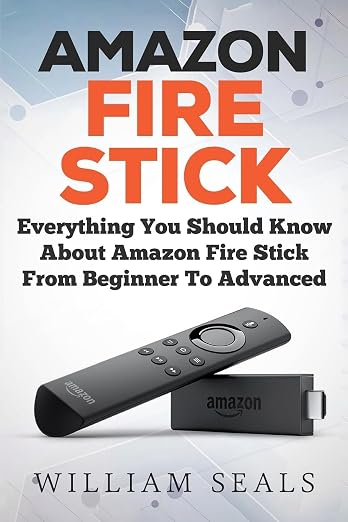
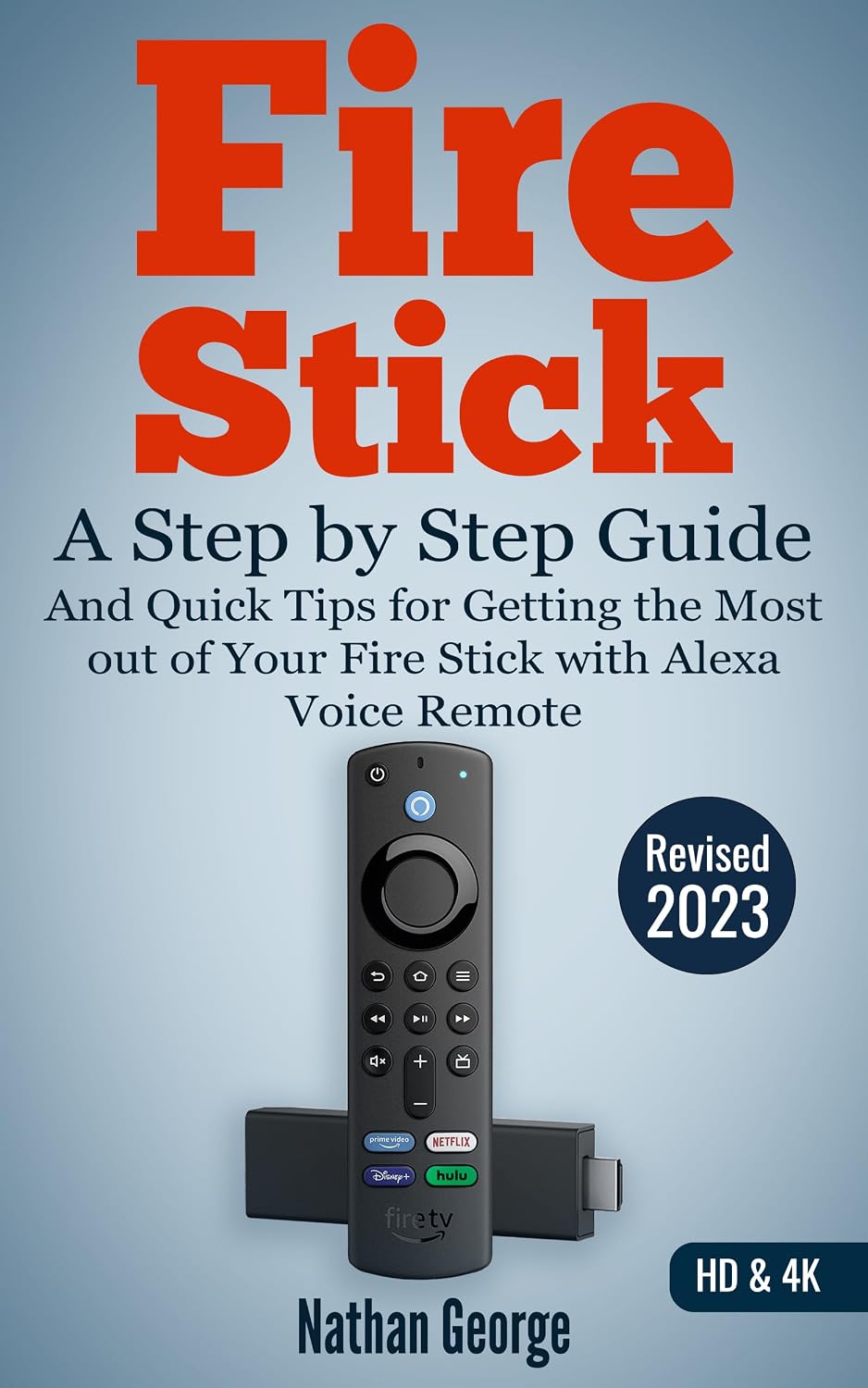


Fire Stick by Nathan George
Covers the latest Fire TV Stick and Fire TV Stick 4K with Alexa Voice Remote This guide provides quick step-by-step instructions on how to set up your Fire TV Stick or Fire TV Stick 4K. Learn the best practices and recommendations to ensure you get the best picture from your Fire TV Stick. This guide has been organised with you in mind to provide a user-friendly experience (as opposed to the cryptic and hard to follow web-based help provided for the product). Make the best of your Alexa remote Learn how to use your Alexa voice remote to find content faster. Use Alexa to get localized information on traffic, the weather, restaurants etc. You can even get Alexa to query Wikipedia if you need to check some information quickly while using your Fire TV. Use advanced features Learn about features like Second Screen, Mirroring, X-Ray, Screen Savers, Amazon Drive, Bluetooth speakers/headphones, and setting up Parental Controls to place restrictions on viewing and purchases. Learn how to find highly rated movies, TV shows and hidden gems Fire Stick covers how you can use advanced search methods to find top-rated movies and TV shows, including hidden gems, from the best movie databases online. With this book you'll learn how to: Quickly set up your Fire TV Stick or Fire TV Stick 4K. Navigate the Fire TV interface with the trackpad and navigation buttons. Use your voice to get Alexa to find videos, launch apps, and carry many other functions on your Fire TV. Use Second Screen on your Fire tablet or Fire mobile to control playback and view X-Ray information. Use Display Mirroring to view the screen of your tablet or mobile phone on your TV. Use X-Ray to view information about actors and music in scenes while watching videos. Listen to music from Prime Music using the Amazon Music App. Connect Bluetooth speakers, headphones, or other Bluetooth devices directly to your Fire TV Stick. Upload personal photos and videos to Amazon Drive for easy viewing on your Fire TV. Customize your Fire TV with personalized screensavers and a PIN. Fix audio sync issues that can occur especially with third party apps. Use the best setup for Fire TV Stick 4K to enable you seamlessly watch Ultra High Definition (UHD/4K) videos without any issues. BONUS: Find highly rated movies and hidden gems from external websites to watch on your Fire TV using advanced search methods. Start getting the most from your Fire TV Stick today! Author: Nathan George. Format: Paperback
Covers the latest Fire TV Stick and Fire TV Stick 4K with Alexa Voice Remote This guide provides quick step-by-step instructions on how to set up your Fire TV Stick or Fire TV Stick 4K. Learn the best practices and recommendations to ensure you get the best picture from your Fire TV Stick. This guide has been organised with you in mind to provide a user-friendly experience (as opposed to the cryptic and hard to follow web-based help provided for the product). Make the best of your Alexa remote Learn how to use your Alexa voice remote to find content faster. Use Alexa to get localized information on traffic, the weather, restaurants etc. You can even get Alexa to query Wikipedia if you need to check some information quickly while using your Fire TV. Use advanced features Learn about features like Second Screen, Mirroring, X-Ray, Screen Savers, Amazon Drive, Bluetooth speakers/headphones, and setting up Parental Controls to place restrictions on viewing and purchases. Learn how to find highly rated movies, TV shows and hidden gems Fire Stick covers how you can use advanced search methods to find top-rated movies and TV shows, including hidden gems, from the best movie databases online. With this book you'll learn how to: Quickly set up your Fire TV Stick or Fire TV Stick 4K. Navigate the Fire TV interface with the trackpad and navigation buttons. Use your voice to get Alexa to find videos, launch apps, and carry many other functions on your Fire TV. Use Second Screen on your Fire tablet or Fire mobile to control playback and view X-Ray information. Use Display Mirroring to view the screen of your tablet or mobile phone on your TV. Use X-Ray to view information about actors and music in scenes while watching videos. Listen to music from Prime Music using the Amazon Music App. Connect Bluetooth speakers, headphones, or other Bluetooth devices directly to your Fire TV Stick. Upload personal photos and videos to Amazon Drive for easy viewing on your Fire TV. Customize your Fire TV with personalized screensavers and a PIN. Fix audio sync issues that can occur especially with third party apps. Use the best setup for Fire TV Stick 4K to enable you seamlessly watch Ultra High Definition (UHD/4K) videos without any issues. BONUS: Find highly rated movies and hidden gems from external websites to watch on your Fire TV using advanced search methods. Start getting the most from your Fire TV Stick today! Author: Nathan George. Format: Paperback
Covers the latest Fire TV Stick and Fire TV Stick 4K with Alexa Voice Remote This guide provides quick step-by-step instructions on how to set up your Fire TV Stick or Fire TV Stick 4K. Learn the best practices and recommendations to ensure you get the best picture from your Fire TV Stick. This guide has been organised with you in mind to provide a user-friendly experience (as opposed to the cryptic and hard to follow web-based help provided for the product). Make the best of your Alexa remote Learn how to use your Alexa voice remote to find content faster. Use Alexa to get localized information on traffic, the weather, restaurants etc. You can even get Alexa to query Wikipedia if you need to check some information quickly while using your Fire TV. Use advanced features Learn about features like Second Screen, Mirroring, X-Ray, Screen Savers, Amazon Drive, Bluetooth speakers/headphones, and setting up Parental Controls to place restrictions on viewing and purchases. Learn how to find highly rated movies, TV shows and hidden gems Fire Stick covers how you can use advanced search methods to find top-rated movies and TV shows, including hidden gems, from the best movie databases online. With this book you'll learn how to: Quickly set up your Fire TV Stick or Fire TV Stick 4K. Navigate the Fire TV interface with the trackpad and navigation buttons. Use your voice to get Alexa to find videos, launch apps, and carry many other functions on your Fire TV. Use Second Screen on your Fire tablet or Fire mobile to control playback and view X-Ray information. Use Display Mirroring to view the screen of your tablet or mobile phone on your TV. Use X-Ray to view information about actors and music in scenes while watching videos. Listen to music from Prime Music using the Amazon Music App. Connect Bluetooth speakers, headphones, or other Bluetooth devices directly to your Fire TV Stick. Upload personal photos and videos to Amazon Drive for easy viewing on your Fire TV. Customize your Fire TV with personalized screensavers and a PIN. Fix audio sync issues that can occur especially with third party apps. Use the best setup for Fire TV Stick 4K to enable you seamlessly watch Ultra High Definition (UHD/4K) videos without any issues. BONUS: Find highly rated movies and hidden gems from external websites to watch on your Fire TV using advanced search methods. Start getting the most from your Fire TV Stick today! Author: Nathan George. Format: Paperback
Covers the latest Fire TV Stick and Fire TV Stick 4K with Alexa Voice Remote This guide provides quick step-by-step instructions on how to set up your Fire TV Stick or Fire TV Stick 4K. Learn the best practices and recommendations to ensure you get the best picture from your Fire TV Stick. This guide has been organised with you in mind to provide a user-friendly experience (as opposed to the cryptic and hard to follow web-based help provided for the product). Make the best of your Alexa remote Learn how to use your Alexa voice remote to find content faster. Use Alexa to get localized information on traffic, the weather, restaurants etc. You can even get Alexa to query Wikipedia if you need to check some information quickly while using your Fire TV. Use advanced features Learn about features like Second Screen, Mirroring, X-Ray, Screen Savers, Amazon Drive, Bluetooth speakers/headphones, and setting up Parental Controls to place restrictions on viewing and purchases. Learn how to find highly rated movies, TV shows and hidden gems Fire Stick covers how you can use advanced search methods to find top-rated movies and TV shows, including hidden gems, from the best movie databases online. With this book you'll learn how to: Quickly set up your Fire TV Stick or Fire TV Stick 4K. Navigate the Fire TV interface with the trackpad and navigation buttons. Use your voice to get Alexa to find videos, launch apps, and carry many other functions on your Fire TV. Use Second Screen on your Fire tablet or Fire mobile to control playback and view X-Ray information. Use Display Mirroring to view the screen of your tablet or mobile phone on your TV. Use X-Ray to view information about actors and music in scenes while watching videos. Listen to music from Prime Music using the Amazon Music App. Connect Bluetooth speakers, headphones, or other Bluetooth devices directly to your Fire TV Stick. Upload personal photos and videos to Amazon Drive for easy viewing on your Fire TV. Customize your Fire TV with personalized screensavers and a PIN. Fix audio sync issues that can occur especially with third party apps. Use the best setup for Fire TV Stick 4K to enable you seamlessly watch Ultra High Definition (UHD/4K) videos without any issues. BONUS: Find highly rated movies and hidden gems from external websites to watch on your Fire TV using advanced search methods. Start getting the most from your Fire TV Stick today! Author: Nathan George. Format: Paperback
in 1 offers
The lowest price for Fire Stick by Nathan George right now is $5.99 at Amazon.com.au.
The all-time low was $5.99 on 7 Nov 2025. That's the lowest price we've ever tracked — a great time to buy.
Prices last updated 19 Sept 2026.


