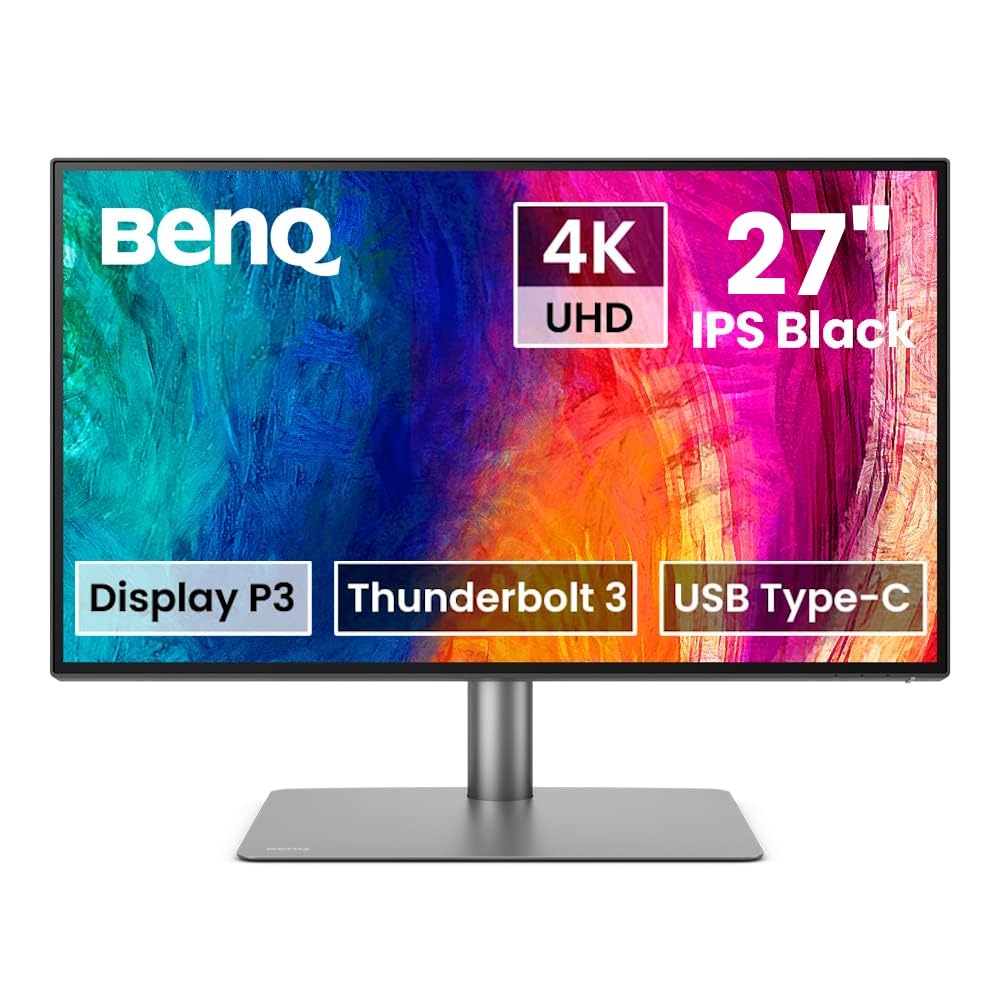
Nitro XV5 - XV275U F3biipprx Tech Specs | Gaming LCD Monitor
Nitro XV5 - XV275U F3biipprx Tech Specs | Gaming LCD Monitor
Acer Nitro 27in QHD 170Hz VA Monitor XV275UP3 UM HXXSA 301 RY0 - Monitors - Afterpay, Delivery and Click & Collect Available
Nitro XV5 - XV275U F3biipprx Tech Specs | Gaming LCD Monitor
Nitro XV5 - XV275U F3biipprx Tech Specs | Gaming LCD Monitor
in 8 offers
The lowest price for Acer Nitro 27in QHD 170Hz VA Monitor XV275UP3 UM HXXSA 301 RY0 - Monitors - Afterpay, Delivery and Click & Collect Available right now is $82.00 at www.i-tech.com.au, compared across 8 retailers.
The all-time low was $82.00 on 22 Aug 2026. That's the lowest price we've ever tracked — a great time to buy.
Prices last updated 22 Aug 2026.
Last updated at 22/08/2026 22:27:29
Acer NITRO ADAPTIVESYNC, 27" HDR1000,16:9,MINI LED,QHD(2560x1440),2ms,170Hz,HDMI(2.0)x2,DP(1.2)x1,Tilt,Height Adj,VESA75x75,3YR WTY XV275UP3(UM.HXXSA.
Save $10 for orders over $500
Acer Nitro XV275UP3 27" 170Hz WQHD FreeSync Mini LED Gaming Monitor [Refur] - Excellent
Free delivery between Mon – Tue
Acer Nitro XV275UP3 27" 170Hz WQHD FreeSync Mini LED Gaming Monitor [Refur] - Excellent
Free delivery between 27 Aug – 4 Sept
Acer Nitro XV275UP3 27" 170Hz WQHD FreeSync Premium Mini LED Gaming Monitor
Free delivery between 26 Aug – 2 Sept
Acer Nitro 27in QHD 170Hz VA Monitor XV275UP3 UM HXXSA 301 RY0 - Monitors
Delivery $32.29
Acer Nitro 27in QHD 170Hz VA Monitor XV275UP3 UM HXXSA 301 RY0 - Monitors
Delivery $28
Acer Nitro 27in QHD 170Hz VA Monitor (XV275UP3(UM.HXXSA.301-RY0))
Delivery $27
Acer Nitro 27in QHD 170Hz VA Monitor (XV275UP3(UM.HXXSA.301-RY0))
Delivery $27
originally posted on microcenter.com
One of the main reasons I bought this monitor was USB-C with power delivery functionality. Everything else about this monitor is average - okay relatively bright and accurate 4K panel, acceptable design with good adjustability.What is not good is that although you can connect your laptop (I use it with a MacBook Pro 16" M1 Pro) with one USB-C cable, and it does provide both, power and other connectivity, it very often does not recognize the laptop after it goes to sleep. Unplugging the laptop and plugging it in does nothing. You have to unplug the power delivery to the monitor and plug it in again for it to recognize the USB-C connection. Super annoying. It is well past the return window, unfortunately. I should have paid a bit more for LG instead
originally posted on microcenter.com
I bought 3 of these for my Mac Studio and the clarity is unmatched for the $299 price I got for each of them. I look at these all throughout the day (sometimes 10-12 hours a day) doing web development with no eye strain or headache at the end of the day, whatsoever. I can read the code/text with ease. I would seriously recommend this to anyone! Best monitors I've ever owned!At first, the monitor settings weren't saving, but I soon realized I was doing it wrong the whole time. Haha user error. Besides that I have nothing but glowing reviews for these!
originally posted on microcenter.com
The monitor doesn't save manual settings. It's very bright 👍 at my gaming station but it doesn't save when changing any video settings 👎Crisp, no ghosting, didn't have to change color settings out of the box... but no saving settings.
| Manufacturer Warranty | 3 Year |
| Viewable Screen Size | 27" |
| Screen Mode | WQHD |
| Panel Technology | Vertical Alignment (VA) |
| Backlight Technology | Mini LED |
Acer NITRO ADAPTIVESYNC, 27" HDR1000,16:9,MINI LED,QHD(2560x1440),2ms,170Hz,HDMI(2.0)x2,DP(1.2)x1,Tilt,Height Adj,VESA75x75,3YR WTY XV275UP3(UM.HXXSA.
Save $10 for orders over $500
Acer Nitro XV275UP3 27" 170Hz WQHD FreeSync Mini LED Gaming Monitor [Refur] - Excellent
Free delivery between Mon – Tue
Acer Nitro XV275UP3 27" 170Hz WQHD FreeSync Mini LED Gaming Monitor [Refur] - Excellent
Free delivery between 27 Aug – 4 Sept
Acer Nitro XV275UP3 27" 170Hz WQHD FreeSync Premium Mini LED Gaming Monitor
Free delivery between 26 Aug – 2 Sept
Acer Nitro 27in QHD 170Hz VA Monitor XV275UP3 UM HXXSA 301 RY0 - Monitors
Delivery $32.29
One of the main reasons I bought this monitor was USB-C with power delivery functionality. Everything else about this monitor is average - okay relatively bright and accurate 4K panel, acceptable design with good adjustability.What is not good is that although you can connect your laptop (I use it with a MacBook Pro 16" M1 Pro) with one USB-C cable, and it does provide both, power and other connectivity, it very often does not recognize the laptop after it goes to sleep. Unplugging the laptop and plugging it in does nothing. You have to unplug the power delivery to the monitor and plug it in again for it to recognize the USB-C connection. Super annoying. It is well past the return window, unfortunately. I should have paid a bit more for LG instead
I bought 3 of these for my Mac Studio and the clarity is unmatched for the $299 price I got for each of them. I look at these all throughout the day (sometimes 10-12 hours a day) doing web development with no eye strain or headache at the end of the day, whatsoever. I can read the code/text with ease. I would seriously recommend this to anyone! Best monitors I've ever owned!At first, the monitor settings weren't saving, but I soon realized I was doing it wrong the whole time. Haha user error. Besides that I have nothing but glowing reviews for these!
The monitor doesn't save manual settings. It's very bright 👍 at my gaming station but it doesn't save when changing any video settings 👎Crisp, no ghosting, didn't have to change color settings out of the box... but no saving settings.
Paired his monitor with Mac mini. Way cheaper combo than iMac and you get a much larger monitor. From a few inches, I can’t see the pixels on this monitor. Apple puts too much into their monitors. Why pay for a 5k when a bigger 4k will do? I’ve also had great luck with Acer monitors.
Got this to work with my mac book pro and it's perfect. Similar quality to the built in display and a huge step up from what I had before. A nice size, fully adjustable.
Works great, very smooth! I haven't seen a flicker, even going back and forth between a laptop and switch. Speakers of course sound 'tinny' and the volume control seems off, but they sound better than I expected!Oh!... make sure you check your VSA mount if you are planning to go that route - I had to hacksaw mine down to fit what I thought would be somewhat standard sizing? All good now though!
I bought this as a work-from-home and light gaming monitor. The main attracting feature for me then was the built in KVM to (I thought) easily switch between my work and personal rig. Even with the KVM switch set to Auto, you had to manually switch it through the UI when changing video inputs. And for whatever reason, the KVM is buried deep within the menus with no option to set it to one of the shortcuts.The shortcuts only allow mapping of generally useless things like contrast (which you wouldn't change often , if at all) This made using it with a dual PC setup very cumbersome.The picture was otherwise nice, IPS glow wasn't as bad as I've had on other monitors. Pixel density of 4k at 27" is beautiful. And perfectly fine for gaming. I play mostly ... MoreI bought this as a work-from-home and light gaming monitor. The main attracting feature for me then was the built in KVM to (I thought) easily switch between my work and personal rig. Even with the KVM switch set to Auto, you had to manually switch it through the UI when changing video inputs. And for whatever reason, the KVM is buried deep within the menus with no option to set it to one of the shortcuts.The shortcuts only allow mapping of generally useless things like contrast (which you wouldn't change often , if at all) This made using it with a dual PC setup very cumbersome.The picture was otherwise nice, IPS glow wasn't as bad as I've had on other monitors. Pixel density of 4k at 27" is beautiful. And perfectly fine for gaming. I play mostly non-competitive titles, so the 60 hz refresh was suitable.Ultimately ended up returning it because of the annoyance of the KVM. Ended up going with a Cooler Master 27" 4k monitor with a KVM switch that actually works
Overall great monitor: good brightness, usb-c charging + display connection in one is great and implemented with enough charge to actually power a laptop indefinitely, nice resolution and response rate. The only minor downside is that the inputs are up inside the bottom of the monitor a good way, which makes wireless mouse / keyboards not work great because the wireless signal gets interfered with.
Marvelous little monitor. Good resolution. Clear and bright with excellent color. A good stand to get it up to eye level with rotation and plenty of adjustment. And a reading light!
Good price, good picture quality. I am not a gamer; I am a software developer, so I do not need super fast refresh; 60 Hz works fine for me. My complaints are with the user interface -- the little joystick on the lower right back corner, or actually, with the way the menu selection works. I cannot use the USB on the monitor because I use display port, and the keyboard is never selected on power up or reset, so I cannot wake up my video on my computer because the keyboard is disconnected from it by the monitor's internal kvm switch. Also, the monitor always comes up in "user mode" with the briteness and contrast set to 50%. It has no memory across resets. So when my ,laptop goes to sleep because I am away from it for a while, when I come back and tap a key to wake it ... MoreGood price, good picture quality. I am not a gamer; I am a software developer, so I do not need super fast refresh; 60 Hz works fine for me. My complaints are with the user interface -- the little joystick on the lower right back corner, or actually, with the way the menu selection works. I cannot use the USB on the monitor because I use display port, and the keyboard is never selected on power up or reset, so I cannot wake up my video on my computer because the keyboard is disconnected from it by the monitor's internal kvm switch. Also, the monitor always comes up in "user mode" with the briteness and contrast set to 50%. It has no memory across resets. So when my ,laptop goes to sleep because I am away from it for a while, when I come back and tap a key to wake it up, the monitor is always at 50% briteness and contrast, which is way to brite for my tastes. So after every wake-up reset, I have to adjust the briteness and contrast again. The behaviour of the OSD user interface is not well thought out be the designers. I wish there was a way to make it remember my settings across resets.
| Manufacturer Warranty | 3 Year |
| Viewable Screen Size | 27" |
| Screen Mode | WQHD |
| Panel Technology | Vertical Alignment (VA) |
| Backlight Technology | Mini LED |