BenQ ScreenBar E-Reading LED Task Lamp. Low price
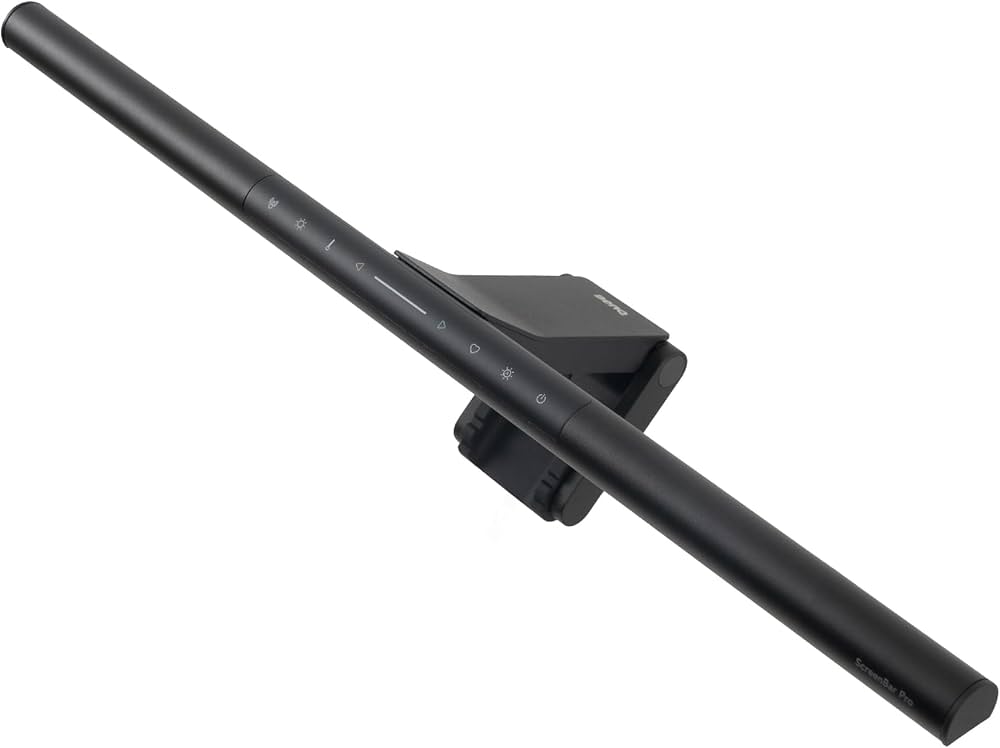
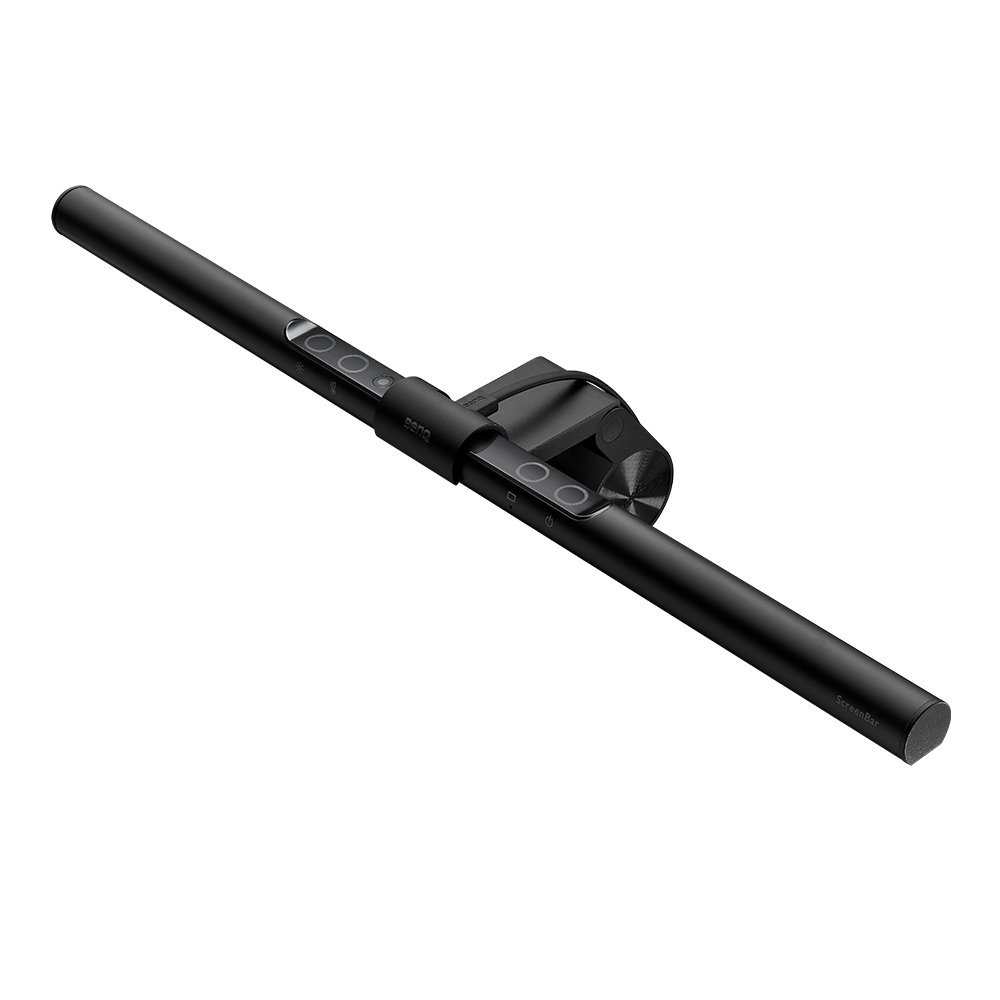
ScreenBar eReading lamp has an asymmetrical optical design that only illuminates the desk and doesn’t shine on the screen, avoiding reflective glare. With BenQ’s unique design, there is no need for tape or screws that damage your computer. ScreenBar eReading lamp is equipped with a sensor that promptly detects the surrounding brightness and then supplements it with just the right light. Under normal circumstances, auto dimming mode will illuminate to 500 lux. While in a dimly lit room (under 50lux), the lamp automatically adjusts illumination to 300lux, thereby eliminating the discomfort caused by a strong contrasts of light. The 500 lux illuminance of the desk surface ensures that you see everything in front of the screen clearly.Whether it is a computer, phone charger or power bank, any USB outlet can power the ScreenBar and light up your desk. Once turn it on, the ScreenBar resumes your last used brightness and colour temperature settings to energetically welcome you back to work! Once turn it on, the ScreenBar resumes your last used brightness and colour temperature settings to energetically welcome you back to work! If a phone charger or power bank are used, make sure the power output is 5V and supplies at least 1A.Use only the provided USB cable to power the lamp. Use of any extension USB cable can result in malfunctions. The touch control design allows you to easily turn on the light and adjust the brightness or colour temperature. With a light touch, the Auto Dimmer Mode is activated.
ScreenBar eReading lamp has an asymmetrical optical design that only illuminates the desk and doesn’t shine on the screen, avoiding reflective glare. With BenQ’s unique design, there is no need for tape or screws that damage your computer. ScreenBar eReading lamp is equipped with a sensor that promptly detects the surrounding brightness and then supplements it with just the right light. Under normal circumstances, auto dimming mode will illuminate to 500 lux. While in a dimly lit room (under 50lux), the lamp automatically adjusts illumination to 300lux, thereby eliminating the discomfort caused by a strong contrasts of light. The 500 lux illuminance of the desk surface ensures that you see everything in front of the screen clearly.Whether it is a computer, phone charger or power bank, any USB outlet can power the ScreenBar and light up your desk. Once turn it on, the ScreenBar resumes your last used brightness and colour temperature settings to energetically welcome you back to work! Once turn it on, the ScreenBar resumes your last used brightness and colour temperature settings to energetically welcome you back to work! If a phone charger or power bank are used, make sure the power output is 5V and supplies at least 1A.Use only the provided USB cable to power the lamp. Use of any extension USB cable can result in malfunctions. The touch control design allows you to easily turn on the light and adjust the brightness or colour temperature. With a light touch, the Auto Dimmer Mode is activated.
ScreenBar eReading lamp has an asymmetrical optical design that only illuminates the desk and doesn’t shine on the screen, avoiding reflective glare. With BenQ’s unique design, there is no need for tape or screws that damage your computer. ScreenBar eReading lamp is equipped with a sensor that promptly detects the surrounding brightness and then supplements it with just the right light. Under normal circumstances, auto dimming mode will illuminate to 500 lux. While in a dimly lit room (under 50lux), the lamp automatically adjusts illumination to 300lux, thereby eliminating the discomfort caused by a strong contrasts of light. The 500 lux illuminance of the desk surface ensures that you see everything in front of the screen clearly.Whether it is a computer, phone charger or power bank, any USB outlet can power the ScreenBar and light up your desk. Once turn it on, the ScreenBar resumes your last used brightness and colour temperature settings to energetically welcome you back to work! Once turn it on, the ScreenBar resumes your last used brightness and colour temperature settings to energetically welcome you back to work! If a phone charger or power bank are used, make sure the power output is 5V and supplies at least 1A.Use only the provided USB cable to power the lamp. Use of any extension USB cable can result in malfunctions. The touch control design allows you to easily turn on the light and adjust the brightness or colour temperature. With a light touch, the Auto Dimmer Mode is activated.
ScreenBar eReading lamp has an asymmetrical optical design that only illuminates the desk and doesn’t shine on the screen, avoiding reflective glare. With BenQ’s unique design, there is no need for tape or screws that damage your computer. ScreenBar eReading lamp is equipped with a sensor that promptly detects the surrounding brightness and then supplements it with just the right light. Under normal circumstances, auto dimming mode will illuminate to 500 lux. While in a dimly lit room (under 50lux), the lamp automatically adjusts illumination to 300lux, thereby eliminating the discomfort caused by a strong contrasts of light. The 500 lux illuminance of the desk surface ensures that you see everything in front of the screen clearly.Whether it is a computer, phone charger or power bank, any USB outlet can power the ScreenBar and light up your desk. Once turn it on, the ScreenBar resumes your last used brightness and colour temperature settings to energetically welcome you back to work! Once turn it on, the ScreenBar resumes your last used brightness and colour temperature settings to energetically welcome you back to work! If a phone charger or power bank are used, make sure the power output is 5V and supplies at least 1A.Use only the provided USB cable to power the lamp. Use of any extension USB cable can result in malfunctions. The touch control design allows you to easily turn on the light and adjust the brightness or colour temperature. With a light touch, the Auto Dimmer Mode is activated.
in 11 offers
The lowest price for BenQ ScreenBar E-Reading LED Task Lamp. Low price right now is $151.99 at 友和 Yoho, compared across 9 retailers.
The all-time low was $101.40 on 20 Sept 2023 — today's price is 50% above the lowest ever. It has been notably cheaper before — worth setting a price alert.
Prices last updated 26 Oct 2026.
Last updated at 26/10/2026 04:23:26
BenQ ScreenBar e-Reading LED Monitor Lamp with Auto-Dimming and Hue Adjustment Features, Hang It on Monitors to Save Space, Eye-Care, No Screen Glare
Free delivery
Affiliate Disclosure: We may receive a small commission for purchases made through this link at no extra cost to you. This helps support our site. Thank you!
Mastercard $100 OFF | BenQ WiT ScreenBar
Delivery $25.39
Benq ScreenBar LED monitor lamp [energy class G] (9H.W42WT.EQ2)
Free delivery
BenQ Screenbar Eye-Care LED Monitor Lamp
Free delivery between 29 Oct – 6 Nov
BenQ Learning Resources Screenbar E-Reading LED Task Lamp (Black)
Delivery between 29 Oct – 6 Nov $15
ScreenBar Monitor Light
Delivery between 27 Oct – 4 Nov $20
BenQ Desk Lamp - Black - Desk Mountable - LED Bulb - 5 W - Polycarbonate, Aluminium Alloy for Desk
Delivery $7.95
Benq Screenbar Smart Led Monitor Light, 5 W Polycarbonate, Aluminium
Free delivery
Affiliate Disclosure: We may receive a small commission for purchases made through this link at no extra cost to you. This helps support our site. Thank you!
BenQ ScreenBar E-Reading LED Monitor Desk Lamp with Auto Dimming and Color Adjustment Functions Eye Care No Screen Glare or Flicker USB Charging
Delivery between 30 Oct – 3 Nov $41
originally posted on scorptec.com.au
One of the best purchases I’ve made. Even light distribution, great working in low light or night. Not intrusive like other desk lamps I’ve tried. Liked it so much I bought another.
originally posted on digitec.ch
I’ve been experiencing a lot of eye strain despite having multiple lights in the room. With this light on, I almost don’t need any other lights. It’s pleasant on the eyes and I feel my eyes quite relaxed despite many hours of working and gaming. I wanted to get the “Plus” but I don’t have enough desk space for the controller attachment. The controls on this one are super easy, and usually you set it once and forget about it. Can’t find a fault in this!
originally posted on officeworks.com.au
I only just bought this monitor light and it is excellent! Worth the money. Does everything and performs it's functions as per the description. Easy to adjust angle of light bar for different seating positions/people and personal colour selection. A good spread of light which I was doubtful of initially, however it is more than enough. Officeworks need to stock this item in store and display it working, they will sell more. Website showed as being in stock at my local store, but "' ín stock"" doesn't mean in store. Only finding this out after a physical visit to the store. Went home and ordered as a pick and collect. Collected in 2 days time. all good. Ross from Zillmere.
| Installation Location | Indoor |
| Bulb Type | LED |
| Number of Lights | 2 |
| Bulb Base Type | E26 |
| Lighting Type | Monitor Light |

BenQ ScreenBar e-Reading LED Monitor Lamp with Auto-Dimming and Hue Adjustment Features, Hang It on Monitors to Save Space, Eye-Care, No Screen Glare
Free delivery
Affiliate Disclosure: We may receive a small commission for purchases made through this link at no extra cost to you. This helps support our site. Thank you!
Mastercard $100 OFF | BenQ WiT ScreenBar
Delivery $25.39
Benq ScreenBar LED monitor lamp [energy class G] (9H.W42WT.EQ2)
Free delivery
BenQ Screenbar Eye-Care LED Monitor Lamp
Free delivery between 29 Oct – 6 Nov
BenQ Learning Resources Screenbar E-Reading LED Task Lamp (Black)
Delivery between 29 Oct – 6 Nov $15
One of the best purchases I’ve made. Even light distribution, great working in low light or night. Not intrusive like other desk lamps I’ve tried. Liked it so much I bought another.
I’ve been experiencing a lot of eye strain despite having multiple lights in the room. With this light on, I almost don’t need any other lights. It’s pleasant on the eyes and I feel my eyes quite relaxed despite many hours of working and gaming. I wanted to get the “Plus” but I don’t have enough desk space for the controller attachment. The controls on this one are super easy, and usually you set it once and forget about it. Can’t find a fault in this!
I only just bought this monitor light and it is excellent! Worth the money. Does everything and performs it's functions as per the description. Easy to adjust angle of light bar for different seating positions/people and personal colour selection. A good spread of light which I was doubtful of initially, however it is more than enough. Officeworks need to stock this item in store and display it working, they will sell more. Website showed as being in stock at my local store, but "' ín stock"" doesn't mean in store. Only finding this out after a physical visit to the store. Went home and ordered as a pick and collect. Collected in 2 days time. all good. Ross from Zillmere.
Ive been using this lamp for a few months, and I must say its so good. Its working like charm. Its worth the price.
It improves my experience of working with monitors, especially when editing text like Word. It performs best on light-colored backgrounds such as white. However, if you are using a 1000R curved screen, it is best not to buy it. When the curvature of the screen is too large, it may not fit.
I spent some time looking around for something that would illuminate my desk area. Conferencing lighting, strip lighting. But after reading reviews of this light, went for it and am not disappointed. Multitude of function, but the one i use is the autoadjust lighting. Simple to use, install and no worries.
no longer using any lamps, honestly this is the only light I have on in the house late at night. auto brightness and colour adjust is awesome, i leave it on auto and haven’t one had to adjust. definitely helps eye strain, looks awesome on top of the monitor too. angle adjustment works great. doesn’t take up any space either, and plus for typing on keyboard, writing on paper, all illuminated perfectly on the desk. i find myself doing everything at the desk now just to have this light shining on what i’m doing.
Been using it so far for a week and got used to it fairly quickly. I don't have anything against it, apart from its current pricing ($160aud surely cheaper in Taiwan) which is way to much even for a premium product. Build quality is entirely plastic, feels durable and not cheap but I would of much prefered metal/alloy materials due to the price.. Another issue is the weighted base which is somewhat of a clunky design and doesn't really fit my curved shape monitor (XR341CK) which is not really an issue if you're just using a flat panel. I would of preferred a heavy thin bar instead of a big round cylinder but I guess that's personal preference. A few things to point out is that firstly its micro USB, and which for some reason, the thing only works when I plug it into ... MoreBeen using it so far for a week and got used to it fairly quickly. I don't have anything against it, apart from its current pricing ($160aud surely cheaper in Taiwan) which is way to much even for a premium product. Build quality is entirely plastic, feels durable and not cheap but I would of much prefered metal/alloy materials due to the price.. Another issue is the weighted base which is somewhat of a clunky design and doesn't really fit my curved shape monitor (XR341CK) which is not really an issue if you're just using a flat panel. I would of preferred a heavy thin bar instead of a big round cylinder but I guess that's personal preference. A few things to point out is that firstly its micro USB, and which for some reason, the thing only works when I plug it into fast charging USB 3.0 port and not the other USB 3.0 ports (again could be a monitor issue). The controls are handy and ergonomically well placed for easy use simple on/off power, brightness adjustments, cool/warm tones and auto light detection which I havent really used. Hard to believe but it's really too bad that there's currently no other product like it to compete with, so the choice to give it 5 stars for product innovation, as I've literally ditched my desk lamp for this. It reduces desk clutter and is overalla good product.
It lives up to the advertisement as a very nice computer screen light. It is small and unobtrusive while lighting up areas on my desk that my other desk lamp did not get. There is no glare on the screen and the adjustable color and brightness are convenient. I feel the price is a bit too high is my only objection.
I'm using it with my 34" LG Ultragear ultra-wide monitor which has a 1900R curve. Although the screenbar is straight, this doesn't cause a problem either aesthetically or functionally. Touch buttons work quite well too. I also use a Logitech Brio webcam, which I had to set right on top of the screenbar's mount, doesn't look too bad; although the webcam now sits at a higher level.
| Installation Location | Indoor |
| Bulb Type | LED |
| Number of Lights | 2 |
| Bulb Base Type | E26 |
| Lighting Type | Monitor Light |