Turbine RGB DDR4 Gaming UDIMM-Silicon Power
Turbine RGB DDR4 Gaming UDIMM-Silicon Power
in 3 offers
The lowest price for Silicon Power 32GB 2x16GB SP032GXLZU320BDB 3200MHz Turbine Gaming Desktop Memory RGB DDR4 RAM - DDR4 RAM - Afterpay, Delivery and Click & Collect right now is $99.95 at Mwave Australia, compared across 3 retailers.
The all-time low was $95.00 on 10 July 2025 — today's price is 5% above the lowest ever. This is at or near its all-time low — a good time to buy.
Prices last updated 30 June 2026.
Silicon Power 32GB 2x16GB SP032GXLZU320BDB 3200MHz Turbine Gaming Desktop Memory RGB DDR4 RAM - DDR4 RAM - Afterpay, Delivery and Click & Collect
Turbine RGB DDR4 Gaming UDIMM-Silicon Power
Turbine RGB DDR4 Gaming UDIMM-Silicon Power
Last updated at 30/06/2026 11:51:52
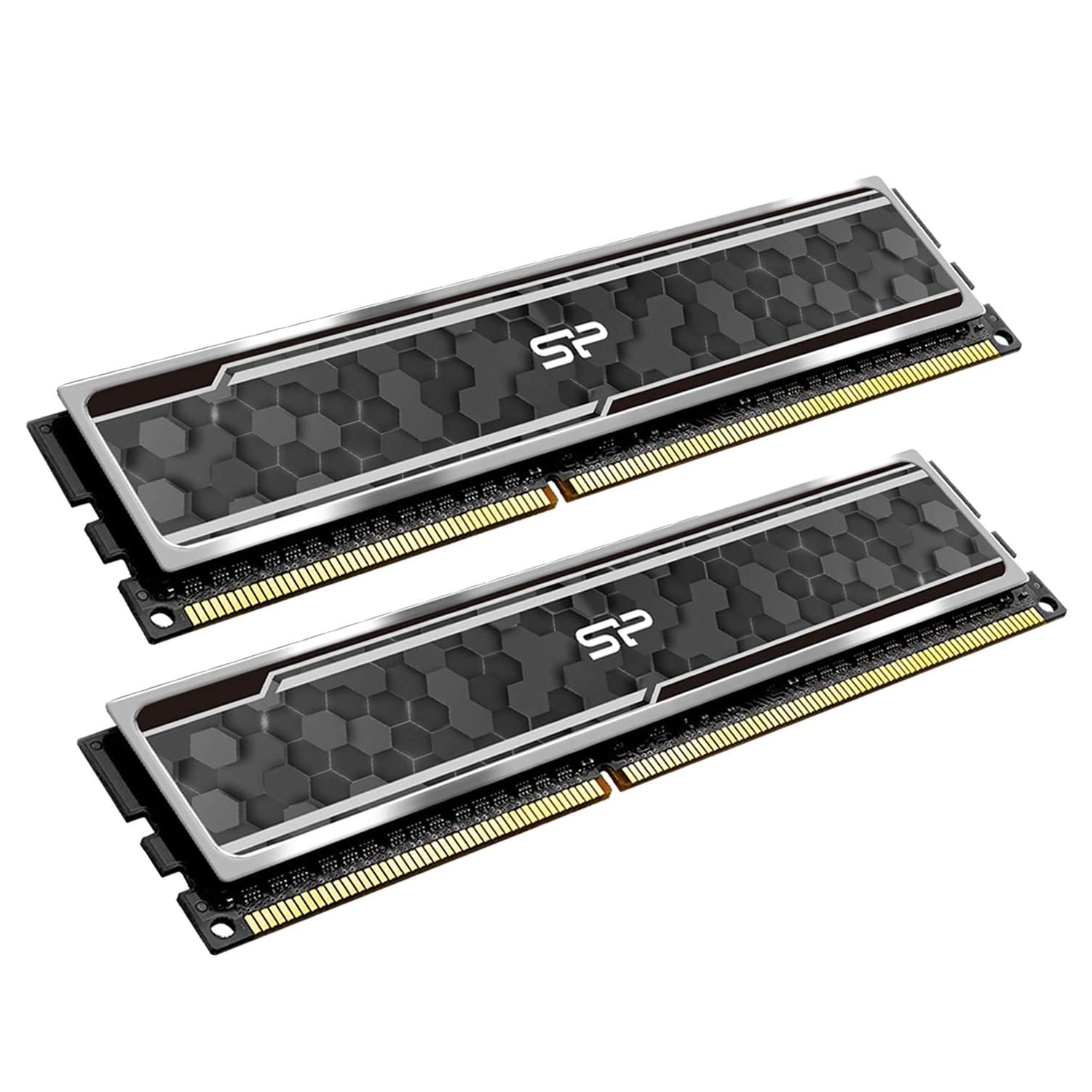
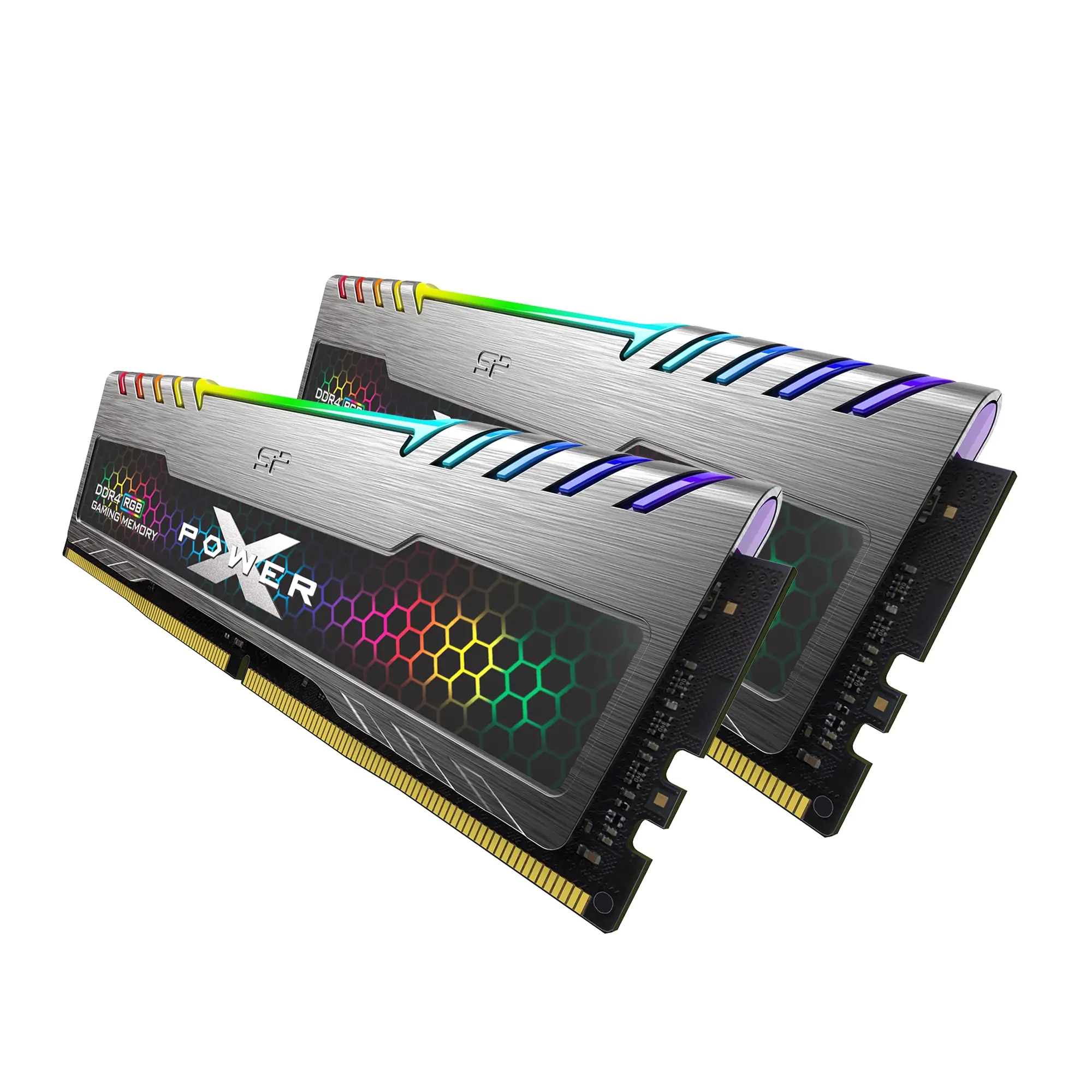
Silicon Power XPOWER Turbine RGB 32GB (2x 16GB) DDR4 3200MHz Desktop Memory
Free delivery between 3–10 July
Silicon Power 32GB 2x16GB SP032GXLZU320BDB 3200MHz Turbine Gaming Desktop Memory RGB DDR4 RAM - DDR4 RAM
Delivery $15.42
Silicon Power 32GB 2x16GB SP032GXLZU320BDB 3200MHz Turbine Gaming Desktop Memory RGB DDR4 RAM - DDR4 RAM
Delivery $12
originally posted on newegg.com
Good value for RGB ram
originally posted on neweggbusiness.com
thasnk you greaT
originally posted on neweggbusiness.com
It works and looks good nothing bad about it tbh
| Computer memory size | 32 GB |
| RAM memory technology | DDR4 |
| Memory speed | 3200 MHz |
| Compatible devices | Desktop |
| Voltage | 1.35 Volts |
Silicon Power XPOWER Turbine RGB 32GB (2x 16GB) DDR4 3200MHz Desktop Memory
Free delivery between 3–10 July
Silicon Power 32GB 2x16GB SP032GXLZU320BDB 3200MHz Turbine Gaming Desktop Memory RGB DDR4 RAM - DDR4 RAM
Delivery $15.42
Silicon Power 32GB 2x16GB SP032GXLZU320BDB 3200MHz Turbine Gaming Desktop Memory RGB DDR4 RAM - DDR4 RAM
Delivery $12
Good value for RGB ram
thasnk you greaT
It works and looks good nothing bad about it tbh
Good solid low-priced 32GB RAM kit without a massive RGB premium.
Fantastic value for what they offer. I was originally worried the electronic RGB casing on top of the main memory sticks would pose a problem with installing them, and in some ways they did. However, thankfully I found some pictures of the measurement of the Silicon Power RGB sticks and found that I would have about 4mm of space between the top end of the sticks and the bottom of the CPU fan cooler. It would be cutting it extra close but the measurements bore out. Keep in mind that if you do have a small form factor case for an ITX board with a large fan inside and a bunch of tightly packed cables, you will have to unwind the cables like I did, unplug all of the cables into the motherboard and power supply, and also unscrew the power supply out housing so that you ... MoreFantastic value for what they offer. I was originally worried the electronic RGB casing on top of the main memory sticks would pose a problem with installing them, and in some ways they did. However, thankfully I found some pictures of the measurement of the Silicon Power RGB sticks and found that I would have about 4mm of space between the top end of the sticks and the bottom of the CPU fan cooler. It would be cutting it extra close but the measurements bore out. Keep in mind that if you do have a small form factor case for an ITX board with a large fan inside and a bunch of tightly packed cables, you will have to unwind the cables like I did, unplug all of the cables into the motherboard and power supply, and also unscrew the power supply out housing so that you can then loosen up the CPU fan housing. After that I was able to partially lift up the housing and then install the RAM sticks (basically, it was just one of the sticks that sits directly under the copper CPU fan housing. However, the good part, as mentioned, is that once seated, there's about 4mm of space between the housing and the RAM stick. The only thing that gave me a bit of a problem was that the easier-to-access slot had trouble seating the RAM. I was trying to be extra careful, but you have to put a bit of pressure on it to make sure it's seated in properly. Had to cable tie-up the cords and cables again and put everything back into place. In total it was about a two to three hour task, but that was because I was dealing with a small form factor case and everything being tightly packed onto the ITX board. But they fit! Works as intended and have zero problems so far and now I feel a lot more confident about my rig being able to handle Star Citizen.
functional ram, at least on my aorus B550 board, the frequency is what it is, however, remember to activate the XMP profile so that it can go up to 3200MHZ, the rgb is manageable at least on my board, with RGBFusion 2.0
| Computer memory size | 32 GB |
| RAM memory technology | DDR4 |
| Memory speed | 3200 MHz |
| Compatible devices | Desktop |
| Voltage | 1.35 Volts |