Wacom Cintiq 16 Black
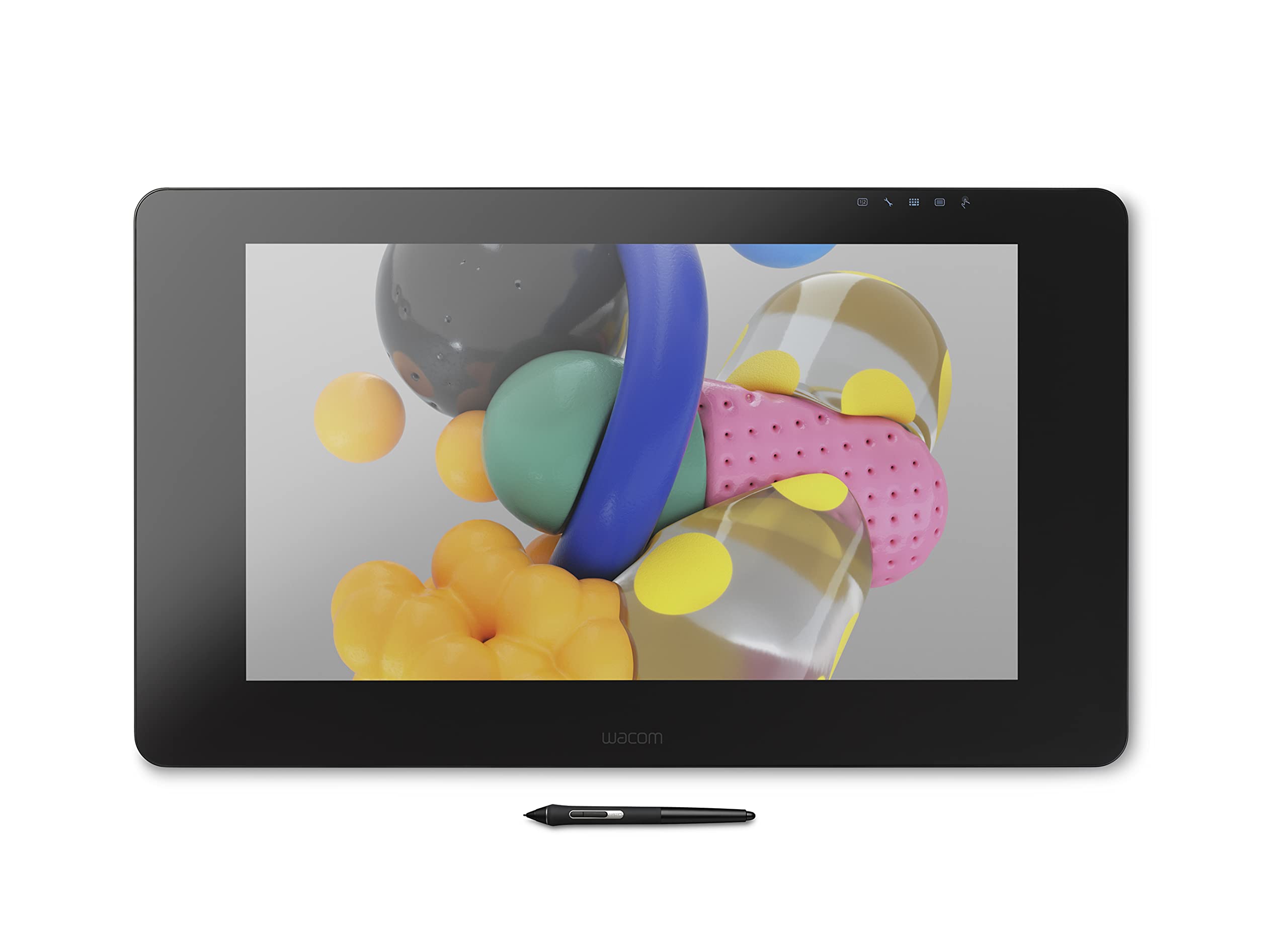
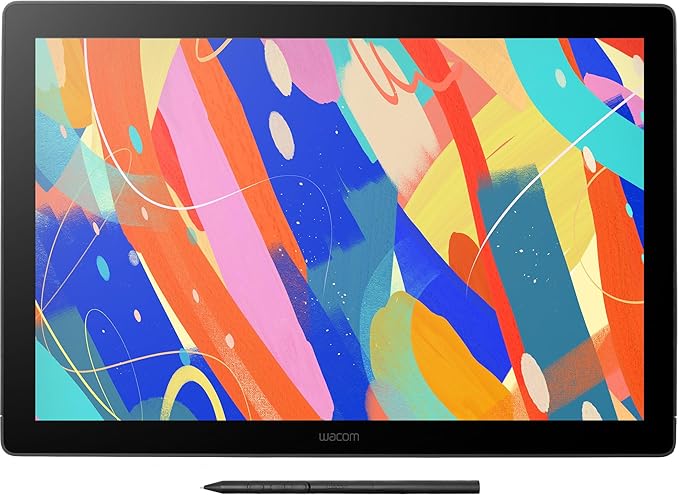
Wacom Cintiq in a nutshell: Increase your productivity with the powerful screen and pen combination. 8,192 levels of pressure sensitivity give you amazing precision. The pen reacts to the tilt of your hand and accurately responds to each movement, immediately. The 1920 x 1080 full HD display is built for creativity, with anti-glare, reduced parallax, foldable legs and more to make your work flow easier. Plus, it’s durable and scratch resistant. Features overview: Wacom Pro Pen 2 offers precision and control – with 8,192 levels of pressure sensitivity, low activation force and tilt recognition. Never need to charge the pen – EMR (Electro Magnetic Resonance) technology draws power from your Wacom Cintiq. Comfortable in your hand – weight-balanced, rubber grip and easy reach of the two side buttons. Get easy access to your favorite software’s shortcuts – with the pen’s programmable side buttons. Avoid distracting reflections as you work – thanks to a layer of anti-glare film. See your cursor appear exactly where you would expect with reduced parallax. Rely on Wacom Cintiq day after day – thanks to durable, scratch resistant materials. Get into the perfect position – a pair of foldable legs let you adjust how you want to work. An optional stand gives you even more flexible and ergonomic positions See every detail of your work – the 1920 x 1080 full HD display gives you all the clarity you need. Customize how you work even further – Wacom Cintiq is compatible with the full range of accessory pens in the Wacom range.
Wacom Cintiq in a nutshell: Increase your productivity with the powerful screen and pen combination. 8,192 levels of pressure sensitivity give you amazing precision. The pen reacts to the tilt of your hand and accurately responds to each movement, immediately. The 1920 x 1080 full HD display is built for creativity, with anti-glare, reduced parallax, foldable legs and more to make your work flow easier. Plus, it’s durable and scratch resistant. Features overview: Wacom Pro Pen 2 offers precision and control – with 8,192 levels of pressure sensitivity, low activation force and tilt recognition. Never need to charge the pen – EMR (Electro Magnetic Resonance) technology draws power from your Wacom Cintiq. Comfortable in your hand – weight-balanced, rubber grip and easy reach of the two side buttons. Get easy access to your favorite software’s shortcuts – with the pen’s programmable side buttons. Avoid distracting reflections as you work – thanks to a layer of anti-glare film. See your cursor appear exactly where you would expect with reduced parallax. Rely on Wacom Cintiq day after day – thanks to durable, scratch resistant materials. Get into the perfect position – a pair of foldable legs let you adjust how you want to work. An optional stand gives you even more flexible and ergonomic positions See every detail of your work – the 1920 x 1080 full HD display gives you all the clarity you need. Customize how you work even further – Wacom Cintiq is compatible with the full range of accessory pens in the Wacom range.
Wacom Cintiq in a nutshell: Increase your productivity with the powerful screen and pen combination. 8,192 levels of pressure sensitivity give you amazing precision. The pen reacts to the tilt of your hand and accurately responds to each movement, immediately. The 1920 x 1080 full HD display is built for creativity, with anti-glare, reduced parallax, foldable legs and more to make your work flow easier. Plus, it’s durable and scratch resistant. Features overview: Wacom Pro Pen 2 offers precision and control – with 8,192 levels of pressure sensitivity, low activation force and tilt recognition. Never need to charge the pen – EMR (Electro Magnetic Resonance) technology draws power from your Wacom Cintiq. Comfortable in your hand – weight-balanced, rubber grip and easy reach of the two side buttons. Get easy access to your favorite software’s shortcuts – with the pen’s programmable side buttons. Avoid distracting reflections as you work – thanks to a layer of anti-glare film. See your cursor appear exactly where you would expect with reduced parallax. Rely on Wacom Cintiq day after day – thanks to durable, scratch resistant materials. Get into the perfect position – a pair of foldable legs let you adjust how you want to work. An optional stand gives you even more flexible and ergonomic positions See every detail of your work – the 1920 x 1080 full HD display gives you all the clarity you need. Customize how you work even further – Wacom Cintiq is compatible with the full range of accessory pens in the Wacom range.
Wacom Cintiq in a nutshell: Increase your productivity with the powerful screen and pen combination. 8,192 levels of pressure sensitivity give you amazing precision. The pen reacts to the tilt of your hand and accurately responds to each movement, immediately. The 1920 x 1080 full HD display is built for creativity, with anti-glare, reduced parallax, foldable legs and more to make your work flow easier. Plus, it’s durable and scratch resistant. Features overview: Wacom Pro Pen 2 offers precision and control – with 8,192 levels of pressure sensitivity, low activation force and tilt recognition. Never need to charge the pen – EMR (Electro Magnetic Resonance) technology draws power from your Wacom Cintiq. Comfortable in your hand – weight-balanced, rubber grip and easy reach of the two side buttons. Get easy access to your favorite software’s shortcuts – with the pen’s programmable side buttons. Avoid distracting reflections as you work – thanks to a layer of anti-glare film. See your cursor appear exactly where you would expect with reduced parallax. Rely on Wacom Cintiq day after day – thanks to durable, scratch resistant materials. Get into the perfect position – a pair of foldable legs let you adjust how you want to work. An optional stand gives you even more flexible and ergonomic positions See every detail of your work – the 1920 x 1080 full HD display gives you all the clarity you need. Customize how you work even further – Wacom Cintiq is compatible with the full range of accessory pens in the Wacom range.
in 9 offers
The lowest price for Wacom Cintiq 16 Black right now is $421.28 at eBay.com.au, compared across 8 retailers.
The all-time low was $179.00 on 31 May 2026 — today's price is 135% above the lowest ever. It has been notably cheaper before — worth setting a price alert.
Prices last updated 3 Oct 2026.
Last updated at 03/10/2026 13:28:20
Wacom Cintiq 16 – Drawing Tablet with Screen, Stylus Pen Battery-Free & Pressure-Sensitive, Compatible with Windows & Mac, Full HD Resolution, Perfect
Affiliate Disclosure: We may receive a small commission for purchases made through this link at no extra cost to you. This helps support our site. Thank you!
Wacom Cintiq 16" DTK-1660 - Proffesional graphics tablet - Complete
Affiliate Disclosure: We may receive a small commission for purchases made through this link at no extra cost to you. This helps support our site. Thank you!
Wacom Cintiq 16 Pen Display 2.5K + Wacom Pro Pen 2
Delivery between 8–12 Oct $41
Wacom Cintiq 16 graphic tablet 5080 lpi 344.16 x 193.59 mm Black
Free delivery
Wacom Cintiq 16 Graphics Tablet Black EU Plug 220V
Delivery $90.99
Wacom Cintiq 16 Full HD Display 15.6-inch Graphic Display with Integrated legs, FHD1920 x 1080 display with a viewing angle of 176 , 16.7 million colo
Delivery between 8–15 Oct $69.69
Wacom Cintiq 16, Pen Display, Full HD, incl. Wacom Pro Pen 2
Free delivery between 14–16 Oct
Wacom Cintiq 16 Creative Pen 16" Full HD | Price Jordan - iGeek
originally posted on jbhifi.com.au
The tablet is extremely good.It functions by capturing the screen of whatever PC or laptop it is plugged into and casting that screen directly onto the tablet. This means almost zero setup is required and it works out of the box. Its capable of navigating windows with the pen, binding ctrl+z to the pen button and runs flawlessly with everything I could test from SAI to CSP to Medibang to ProCreate.Absolutely fantastic machine, but it DOES require a computer with a spare HDMI port to function, it is NOT capable of outputting display on its own without that.If you can handle that caveat, then this tablet is a must buy, the pen sensitivity is incredible, the responsiveness is fantastic, the colors are gorgeous and the machine is sturdy and comfortable to work with.
originally posted on bestbuy.com
I love this! Very fun for digital art! Great price and unlike other reviews I I’ve had no problem with the nibs which I was really concerned about. At the rate some reviews said they needed replacement it would have not been worth it but I’m still using my original nib and no problems. I would advise making sure your monitor its color calibrated mine isn’t and the color change is a little distracting nothing major thought. My only true complaint…. Is the pen! They have put 2 buttons right where my fingers wrap around and I’m constantly hitting the buttons it’s annoying. Anyway buy it you’ll love it! Thanks Best buy!
originally posted on bestbuy.com
As the title says, the cords ruin this product. There is one central cord the connects to the top of the Wacom display. It is about 4ft long. From the central cord, it has 3 cords that come off it. Where these three cords split off from is about 3ft into a 4ft long cord. Meaning, you only have three 1ft cords to plug into the follow:The first cord plugs into a power supply. The power supply is good because it has a power brick and about 6 feet of cordage. That is the best part of the cords because it gives the user plenty of space to have your powering system (surge proctor) and it doesn't have to be extremely close.The second cord is an hdmi that plugs into your display port on your computer (where your monitor will plug into).The last cord is a usb that ... MoreAs the title says, the cords ruin this product. There is one central cord the connects to the top of the Wacom display. It is about 4ft long. From the central cord, it has 3 cords that come off it. Where these three cords split off from is about 3ft into a 4ft long cord. Meaning, you only have three 1ft cords to plug into the follow:The first cord plugs into a power supply. The power supply is good because it has a power brick and about 6 feet of cordage. That is the best part of the cords because it gives the user plenty of space to have your powering system (surge proctor) and it doesn't have to be extremely close.The second cord is an hdmi that plugs into your display port on your computer (where your monitor will plug into).The last cord is a usb that plugs into your computer (where peripherals would go).That is a lot of wiggle room needed for all of this. A good foot of the central cord is used to plug peripherals and hdmi/display port in. This leaves about 3 feet of cordage...that 3 feet has to work with your computer set up. If you have a laptop, it isn't so bad (unless your display port and USB are on different sides of the laptop...you might run into trouble). However, if you're plugging this into a desktop, it is almost impossible to plug it in, wrap cords around everything, and still have room to prop the screen up in a comfortable location and still be able to use your mouse/keyboard if needed. It is way too cluttered.Beware when purchasing. It does not work very well with my set up. I have a gaming set up on a gaming desk that does not have a lot of room to put this on my desk and use it comfortably along with my mouse and keyboard. IF you have a set up that has enough room, maybe a table on the side or something...it will probably work with you.Highly recommend measuring your set up and make sure you have enough wiggle room for a 3 foot cord that is thick and stiff to maneuver around your desk/monitors/keyboard/mouse/etc.
| Connectivity technology | HDMI |
| Operating system | Os,Windows |
| Special feature | Anti-glare |
| Screen size | 15.6 Inches |
| Included components | handle |

Wacom Cintiq 16 – Drawing Tablet with Screen, Stylus Pen Battery-Free & Pressure-Sensitive, Compatible with Windows & Mac, Full HD Resolution, Perfect
Affiliate Disclosure: We may receive a small commission for purchases made through this link at no extra cost to you. This helps support our site. Thank you!
Wacom Cintiq 16" DTK-1660 - Proffesional graphics tablet - Complete
Affiliate Disclosure: We may receive a small commission for purchases made through this link at no extra cost to you. This helps support our site. Thank you!
Wacom Cintiq 16 Pen Display 2.5K + Wacom Pro Pen 2
Delivery between 8–12 Oct $41
Wacom Cintiq 16 graphic tablet 5080 lpi 344.16 x 193.59 mm Black
Free delivery
Wacom Cintiq 16 Graphics Tablet Black EU Plug 220V
Delivery $90.99
The tablet is extremely good.It functions by capturing the screen of whatever PC or laptop it is plugged into and casting that screen directly onto the tablet. This means almost zero setup is required and it works out of the box. Its capable of navigating windows with the pen, binding ctrl+z to the pen button and runs flawlessly with everything I could test from SAI to CSP to Medibang to ProCreate.Absolutely fantastic machine, but it DOES require a computer with a spare HDMI port to function, it is NOT capable of outputting display on its own without that.If you can handle that caveat, then this tablet is a must buy, the pen sensitivity is incredible, the responsiveness is fantastic, the colors are gorgeous and the machine is sturdy and comfortable to work with.
I love this! Very fun for digital art! Great price and unlike other reviews I I’ve had no problem with the nibs which I was really concerned about. At the rate some reviews said they needed replacement it would have not been worth it but I’m still using my original nib and no problems. I would advise making sure your monitor its color calibrated mine isn’t and the color change is a little distracting nothing major thought. My only true complaint…. Is the pen! They have put 2 buttons right where my fingers wrap around and I’m constantly hitting the buttons it’s annoying. Anyway buy it you’ll love it! Thanks Best buy!
As the title says, the cords ruin this product. There is one central cord the connects to the top of the Wacom display. It is about 4ft long. From the central cord, it has 3 cords that come off it. Where these three cords split off from is about 3ft into a 4ft long cord. Meaning, you only have three 1ft cords to plug into the follow:The first cord plugs into a power supply. The power supply is good because it has a power brick and about 6 feet of cordage. That is the best part of the cords because it gives the user plenty of space to have your powering system (surge proctor) and it doesn't have to be extremely close.The second cord is an hdmi that plugs into your display port on your computer (where your monitor will plug into).The last cord is a usb that ... MoreAs the title says, the cords ruin this product. There is one central cord the connects to the top of the Wacom display. It is about 4ft long. From the central cord, it has 3 cords that come off it. Where these three cords split off from is about 3ft into a 4ft long cord. Meaning, you only have three 1ft cords to plug into the follow:The first cord plugs into a power supply. The power supply is good because it has a power brick and about 6 feet of cordage. That is the best part of the cords because it gives the user plenty of space to have your powering system (surge proctor) and it doesn't have to be extremely close.The second cord is an hdmi that plugs into your display port on your computer (where your monitor will plug into).The last cord is a usb that plugs into your computer (where peripherals would go).That is a lot of wiggle room needed for all of this. A good foot of the central cord is used to plug peripherals and hdmi/display port in. This leaves about 3 feet of cordage...that 3 feet has to work with your computer set up. If you have a laptop, it isn't so bad (unless your display port and USB are on different sides of the laptop...you might run into trouble). However, if you're plugging this into a desktop, it is almost impossible to plug it in, wrap cords around everything, and still have room to prop the screen up in a comfortable location and still be able to use your mouse/keyboard if needed. It is way too cluttered.Beware when purchasing. It does not work very well with my set up. I have a gaming set up on a gaming desk that does not have a lot of room to put this on my desk and use it comfortably along with my mouse and keyboard. IF you have a set up that has enough room, maybe a table on the side or something...it will probably work with you.Highly recommend measuring your set up and make sure you have enough wiggle room for a 3 foot cord that is thick and stiff to maneuver around your desk/monitors/keyboard/mouse/etc.
I have owned many iPads throughout the years and have been very impressed with them for the art apps and what they can offer with the Apple Pencil. But I still felt like there had to be something better out there for artists and this Wacom tablet is it. In my personal opinion the Wacom tablets are head and shoulders above the iPad when it comes to drawing, painting , and design. This is my personal opinion, I don’t think anyone would be disappointed. Well worth the money!
I'm a professional artist and I wanted to try out a Cintiq as I was starting to have wrist pain issues while using my Intuos tablet. I have limited desk space so this model's size is very nice. Overall I think this was a good investment for me, I only have a few complaints about it.Pros - very ergonomic being able to draw directly on the screen at a nice 20 degree angle. Feels natural to draw/sculpt on. No glare issues.Cons - wish it came with the stand and hotkey remote, Wacom being greedy I guess. The angle the built-in stand goes too isn't quite as high as I'd like. Some programs don't agree well with having their zoom/scale changed to work on this smaller screen.
Great display for someone on an average budget. Good for 3D texturing and sculpting. Response time is great. Pen pressure works great. It doesn't have any buttons on the display itself, but I use keyboard shortcuts so that hasn't affected me.The more you use it the more small scratches will appear on the screen. It probably happens more as the pen nibs wear out and get flat spots. You'll want to have extra nibs for a smooth experience.Overall it's good for the price.I recommend getting the Wacom adjustable Landscape stand if you want to use it in a better position as a second monitor, or if you want to use it hanging off the edge of your desk.
Got it from Walmart fairly quickly and am very happy purchasing, it does what it says! The flow of the pen to tablet is smooth and amazing. I brought this with Clip Studio Paint from Walmart too later and the program works with ease with my tablet on my computer. I got my tablet in the the end of May or the beginning of June 2020 and love it. The only problem I'm having with the tablet is when I'm scrolling the web (like googling pictures on google) the tablet bar jumps. To stop that from happening I scroll up and down by the arrows on my keyboard. The only other thing is I wish for all the money I'm paying I get touch functions but you can't. Now more of the pros to help y'all decide on your purchase. The color range is beautiful and I can draw for hours with no ... MoreGot it from Walmart fairly quickly and am very happy purchasing, it does what it says! The flow of the pen to tablet is smooth and amazing. I brought this with Clip Studio Paint from Walmart too later and the program works with ease with my tablet on my computer. I got my tablet in the the end of May or the beginning of June 2020 and love it. The only problem I'm having with the tablet is when I'm scrolling the web (like googling pictures on google) the tablet bar jumps. To stop that from happening I scroll up and down by the arrows on my keyboard. The only other thing is I wish for all the money I'm paying I get touch functions but you can't. Now more of the pros to help y'all decide on your purchase. The color range is beautiful and I can draw for hours with no eye problems because I can dim the lights and color controls. The size of the drawing area is great and weight is fine. I especially love that unlike other tablets I got from Wacom I don't have to worry about restarting the tablet because it's not working or something being wrong with pen pressure because it ALWAYS WORKS! No matter if I take out the cables or leave them connected to the computer. Everything works on the photoshop I have (CS4). SAI worked great when I had it and now I have Clip Studio Paint Pro and everything works fine with the tablet, including the pose it models. If you do have problems with the tablet Wacom helps a lot. With my older wacom tablets which are 2 Bamboo's, and 1 CTH480 they helped me when I had problems. And my CTH 480 still works and I got it around 2015. Hope this tablet lasts forever because it was a heavy investment. I rate it a 4.5 out of 5 because it works perfectly besides the small problem I'm having and I wish it had touch functions.I'm writing this post on 1/3/2021 if it doesn't show.
Barely a mark on this "used" Wacom, I wouldn't be surprised if they were just simply returns from buyer's remorse. While the price of a Wacom might be hard to swallow, this used one from the manufacturer made it easier. It doesn't come with the cool little colored rings you can put on the Pro Pen, but hey. Wacom are one of only two companies I trust for their used products to basically be new (the other being Nintendo). Thank you very much for this impressive tablet! I expect it to last many, many, MANY years.
Take note of when I purchased the item. Also, I haven't drawn in 15 years so all this tech is new to me. If you're in my boat, then please continue to read.The table pre-set colors are wonderful. After configuring the pen I had no issues. One thing that freaked me out was a red tint that appears after awhile. After some research, I realized my computer's Night Light settings were also affecting the tablet's screen so check for that if you run into the same issue.My first impression is that the tablet would mirror my desktop, and I would see my work on two screens. Not so. Maybe there's a way to do that. However, my computer recognized it as a an extended screen, and I just moved my trial of Clip Studio to the Cintiq window and everything is fine.When I first ... MoreTake note of when I purchased the item. Also, I haven't drawn in 15 years so all this tech is new to me. If you're in my boat, then please continue to read.The table pre-set colors are wonderful. After configuring the pen I had no issues. One thing that freaked me out was a red tint that appears after awhile. After some research, I realized my computer's Night Light settings were also affecting the tablet's screen so check for that if you run into the same issue.My first impression is that the tablet would mirror my desktop, and I would see my work on two screens. Not so. Maybe there's a way to do that. However, my computer recognized it as a an extended screen, and I just moved my trial of Clip Studio to the Cintiq window and everything is fine.When I first installed the drivers I had an issue. So I installed the PREVIOUS driver iteration and upgraded through Wacom's client. That fixed the communication issue between the tablet and my computer. Additionally, when setting up my account with Wacom, for some reason Chrome (even after checking cookies) would not load the website properly. Edge does load Wacom properly so switch browsers if need be.
I've always been familiar with Wacom tablets and their quality & ease of use. Starting with the Wacom Bamboo Fun Tablet and smaller budget editions, they've become a vital part of my digital art creation workflow. Flash forward to researching tablets with a screen display, where I looked at and considered several brands of 13-and-16 sized tablets. What finally cinched my decision to purchase a refurbished Wacom Cintiq HD were these factors: (A) I saw that it was from a Wacom-certified reseller, (B) I'm familiar with Wacoms' build quality, (C) It was $449, and (D) It was the perfect size. When I got it home and opened up the box, the Cintiq connected immediately to both of my laptops and synced with them seamlessly. It was a different story with my desktop PC: Even ... MoreI've always been familiar with Wacom tablets and their quality & ease of use. Starting with the Wacom Bamboo Fun Tablet and smaller budget editions, they've become a vital part of my digital art creation workflow. Flash forward to researching tablets with a screen display, where I looked at and considered several brands of 13-and-16 sized tablets. What finally cinched my decision to purchase a refurbished Wacom Cintiq HD were these factors: (A) I saw that it was from a Wacom-certified reseller, (B) I'm familiar with Wacoms' build quality, (C) It was $449, and (D) It was the perfect size. When I got it home and opened up the box, the Cintiq connected immediately to both of my laptops and synced with them seamlessly. It was a different story with my desktop PC: Even with the USB 2.0 to USB C adapter, the Cintiq 16 still wouldn't work with my desktop. This is a major disappointment and is the reason I had to downgrade it to 3 stars. I'm not hurt enough to send it back, but I'll have to settle for using it only with my laptops. At least I still have my Wacom Bamboo Fun and a couple of other non-display Wacom tablets to assuage the pain. Despite the pain and disappointment, I'd still rather have the Cintiq 16 than similar, cheaper offerings from Huion and XP-Pen (at least atthis point in time). This is an instance where I'll take "the bad with the good".
| Connectivity technology | HDMI |
| Operating system | Os,Windows |
| Special feature | Anti-glare |
| Screen size | 15.6 Inches |
| Included components | handle |