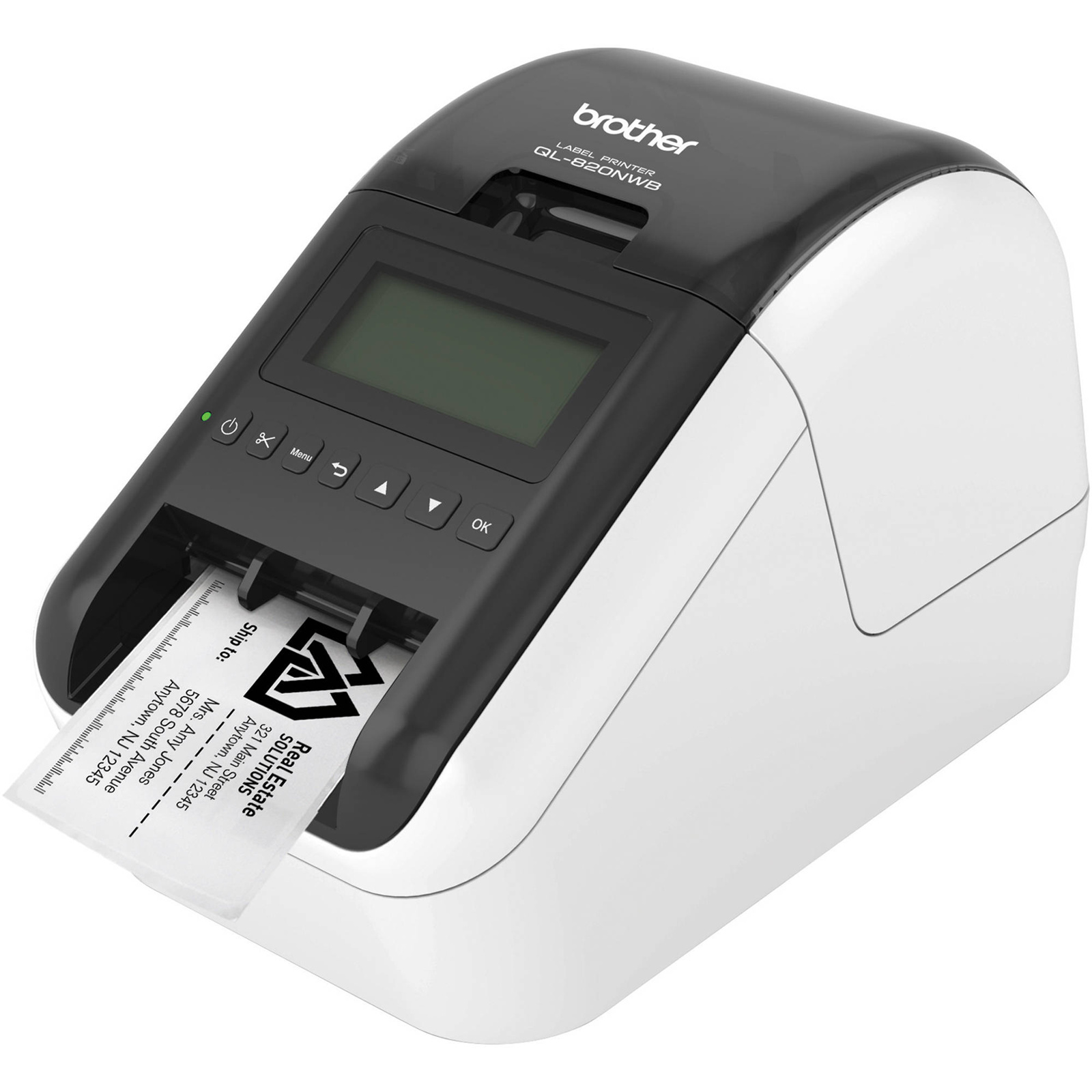
Brother VC-500W Colour Label Printer
The Brother VC-500W Printer can be connected to your PC or Mac computer or Apple or Android smart device for printing labels. It has an integrated cutter for cutting labels of various lengths and full colour capabilities for printing bright and vibrant labels. Features: It can be used to print photo quality images like logos, team member photographs, spine labels and more. It features an integrated cutter so you can cut labels of various lengths. You can use CZ rolls measuring between 9 and 50 mm wide with this printer. It's compatible for use with PC and Mac systems via USB and with smartphones and tablets via a WiFi connection. The design is compact so it's ideal for keeping on your desk. It comes with 1 x CZ-1004 cassette roll measuring 25 mm x 5 m and 1 x CK-1000 cleaning cassette roll measuing 50 mm x 2 m. There's an AC adaptor included allowing you to connect it to mains power.
The Brother VC-500W Printer can be connected to your PC or Mac computer or Apple or Android smart device for printing labels. It has an integrated cutter for cutting labels of various lengths and full colour capabilities for printing bright and vibrant labels. Features: It can be used to print photo quality images like logos, team member photographs, spine labels and more. It features an integrated cutter so you can cut labels of various lengths. You can use CZ rolls measuring between 9 and 50 mm wide with this printer. It's compatible for use with PC and Mac systems via USB and with smartphones and tablets via a WiFi connection. The design is compact so it's ideal for keeping on your desk. It comes with 1 x CZ-1004 cassette roll measuring 25 mm x 5 m and 1 x CK-1000 cleaning cassette roll measuing 50 mm x 2 m. There's an AC adaptor included allowing you to connect it to mains power.
The Brother VC-500W Printer can be connected to your PC or Mac computer or Apple or Android smart device for printing labels. It has an integrated cutter for cutting labels of various lengths and full colour capabilities for printing bright and vibrant labels. Features: It can be used to print photo quality images like logos, team member photographs, spine labels and more. It features an integrated cutter so you can cut labels of various lengths. You can use CZ rolls measuring between 9 and 50 mm wide with this printer. It's compatible for use with PC and Mac systems via USB and with smartphones and tablets via a WiFi connection. The design is compact so it's ideal for keeping on your desk. It comes with 1 x CZ-1004 cassette roll measuring 25 mm x 5 m and 1 x CK-1000 cleaning cassette roll measuing 50 mm x 2 m. There's an AC adaptor included allowing you to connect it to mains power.
The Brother VC-500W Printer can be connected to your PC or Mac computer or Apple or Android smart device for printing labels. It has an integrated cutter for cutting labels of various lengths and full colour capabilities for printing bright and vibrant labels. Features: It can be used to print photo quality images like logos, team member photographs, spine labels and more. It features an integrated cutter so you can cut labels of various lengths. You can use CZ rolls measuring between 9 and 50 mm wide with this printer. It's compatible for use with PC and Mac systems via USB and with smartphones and tablets via a WiFi connection. The design is compact so it's ideal for keeping on your desk. It comes with 1 x CZ-1004 cassette roll measuring 25 mm x 5 m and 1 x CK-1000 cleaning cassette roll measuing 50 mm x 2 m. There's an AC adaptor included allowing you to connect it to mains power.
in 55 offers
The lowest price for Brother VC-500W Colour Label Printer right now is $136.79 at BIG W, compared across 38 retailers.
The all-time low was $57.99 on 8 May 2026 — today's price is 136% above the lowest ever. It has been notably cheaper before — worth setting a price alert.
Prices last updated 31 Aug 2026.
Last updated at 31/08/2026 09:09:12
BROTHER QL700 Label Machine
Free delivery between Wed – Thu
Brother VC-500W Wireless Zink Color Label & Photo Printer+AirPrint Color Labeller [VC500W]
Free delivery between Wed – Thu
Brother VC-500W Wireless Colour Labeller - Compact & Ink-Free for Creative Home & Office Labelling
Free delivery between Wed – Thu
Brother VC-500W Colour Label Printer
Free delivery between Wed – Thu
Brother VC-500W Colour Label Printer Labeller
Free delivery between Wed – Thu
Brother VC-500W Colour Label Printer Compact Design
Delivery $17.95
Brother Colour Laser Printer VC-500W
Free delivery between Wed – Thu
VC-500W Wireless Color Label Printer with ZINK Tech - Easy Custom Labels
Free delivery between Wed – Thu
Brother Vc500W Label Printer
Free delivery between Wed – Thu
Brother VC500W Label Printer
Free delivery
originally posted on brother.com.au
Purchased this label printer in the hopes of producing labels for enclosures, warning stickers, etc. First off the labels are not very colourful, not like what is shown in the photos. Reds are pink and washed out making for a very poor "warning" label. The printer has no drivers for Windows 11 so you can't use the USB cable. Labels are EXPENSIVE! and not waterproof
originally posted on brother.co.uk
Every product is only as good as the provided software... I can hardly can accept, that there is a minimum feed length of 16mm for 9mm or 12mm tapes. But if I set other tapes (19mm, 25mm or 50mm) the mimimung length is the same as the tape width. This makes abolutely no sense. If you can feed 16mm you can also feed 16mm with any ather tape-width. But anyway.. If I watch the printer at work, he es also capable of retracting the tape. So, why is there a feeding limit at all??? Can some one explain this to me? Or is it just to make money and sell tapes....!?? This is annyoing...
originally posted on ebay.com
It produces full-color prints up to 12" long and 2" wide. It offers both usb and wireless connectivity, and the cartridges are very easy to remove and install. While the cartridges aren't inexpensive, Brother was kind enough to include both a 1" tape cartridge and a cleaning cartridge (both full-length).
| Wi-Fi | Y |
| Cables included | AC, USB |
| Display | N |
| Wi-Fi standards | 802.11b, 802.11g, Wi-Fi 4 (802.11n) |
| Number of languages | 18 |
BROTHER QL700 Label Machine
Free delivery between Wed – Thu
Brother VC-500W Wireless Zink Color Label & Photo Printer+AirPrint Color Labeller [VC500W]
Free delivery between Wed – Thu
Brother VC-500W Wireless Colour Labeller - Compact & Ink-Free for Creative Home & Office Labelling
Free delivery between Wed – Thu
Brother VC-500W Colour Label Printer
Free delivery between Wed – Thu
Brother VC-500W Colour Label Printer Labeller
Free delivery between Wed – Thu
Purchased this label printer in the hopes of producing labels for enclosures, warning stickers, etc. First off the labels are not very colourful, not like what is shown in the photos. Reds are pink and washed out making for a very poor "warning" label. The printer has no drivers for Windows 11 so you can't use the USB cable. Labels are EXPENSIVE! and not waterproof
Every product is only as good as the provided software... I can hardly can accept, that there is a minimum feed length of 16mm for 9mm or 12mm tapes. But if I set other tapes (19mm, 25mm or 50mm) the mimimung length is the same as the tape width. This makes abolutely no sense. If you can feed 16mm you can also feed 16mm with any ather tape-width. But anyway.. If I watch the printer at work, he es also capable of retracting the tape. So, why is there a feeding limit at all??? Can some one explain this to me? Or is it just to make money and sell tapes....!?? This is annyoing...
It produces full-color prints up to 12" long and 2" wide. It offers both usb and wireless connectivity, and the cartridges are very easy to remove and install. While the cartridges aren't inexpensive, Brother was kind enough to include both a 1" tape cartridge and a cleaning cartridge (both full-length).
So, in brief. The printing quality is very good and offer very clear possibilities for framing with the desk top app. Length , width, import of symbols and images you can change around, fonts etc. it takes a bit of time to get to know The app, sometimes it doesn’t seem so Logical how it reacts but in the end it’s all Possible and you can save the templates you create. It’s very slow, that’s really the only drawback. There is a few things I have not figured out yet, I always have the cut the etiquette in the end by pressing a button and then you have to press the same Button again otherwise it will not print again... but maybe there’s is an automatic setting for that. Also, you can print in all The colors of the rainbow which is quite amazing.the desktop app doesn’t ... MoreSo, in brief. The printing quality is very good and offer very clear possibilities for framing with the desk top app. Length , width, import of symbols and images you can change around, fonts etc. it takes a bit of time to get to know The app, sometimes it doesn’t seem so Logical how it reacts but in the end it’s all Possible and you can save the templates you create. It’s very slow, that’s really the only drawback. There is a few things I have not figured out yet, I always have the cut the etiquette in the end by pressing a button and then you have to press the same Button again otherwise it will not print again... but maybe there’s is an automatic setting for that. Also, you can print in all The colors of the rainbow which is quite amazing.the desktop app doesn’t work on the older OS systems so Make sure yours is compatible. I found the wireless setup with handy cumbersome and really too Slow.but with the desktop app it works well.
Bought it after first trying the P-touch editor software on Mac to (theoretically) confirm it would suit my needs. Unfortunately that doesn't quite work- before installing the printer all functions work in the software, but once you've installed the printer half the options get greyed out. The iOS software is literally just a phone app for kids to print photobooth type stickers, no actual functions available (on iPad it literally just scales the phone app, it's no better). Eventually I ran the P-touch editor software in Windows under Parallels and all functions work, except that after every print the machine needs to be reset and spits out a bunch of wasted label tape first. Painfully slow printing. Installation was completely hit and miss on all platforms, lots of ... MoreBought it after first trying the P-touch editor software on Mac to (theoretically) confirm it would suit my needs. Unfortunately that doesn't quite work- before installing the printer all functions work in the software, but once you've installed the printer half the options get greyed out. The iOS software is literally just a phone app for kids to print photobooth type stickers, no actual functions available (on iPad it literally just scales the phone app, it's no better). Eventually I ran the P-touch editor software in Windows under Parallels and all functions work, except that after every print the machine needs to be reset and spits out a bunch of wasted label tape first. Painfully slow printing. Installation was completely hit and miss on all platforms, lots of resets required.
This was supposed to be a Christmas gift for my mother so that she could print nifty labels for her jams. I decided to set it up ahead of Christmas Day as she's not great with technology. It simply refuses to recognise its print cartridge. I've been on all the forums and I've spent most of the day trying to troubleshoot. Brother technical support is closed until Jan 10th. I'm accepting at this point that I don't have a present for Mum for tomorrow, just don't buy this. The app is clunky, it installed as bunch of stuff on my computer but I still couldn't get the editing program working on my PC and the expensive print cartridge has done 18 test prints while swearing there is no cartridge installed.
I have been disappointed with the colour. The impression on the box is that it will print in vibrant colours but the colour the label prints in is vastly different to the colour set in the app. I have found when running out of one roll and switching to a new roll, without changing the colour settings, the label prints in an entirely different colour, so there is no colour consistency across printer rolls. I wasted a lot of paper trying to get the printed label to be the colour I wanted as it looks so different to the colour shown in the app. Apart from this, the printer is reasonable for home needs. Due to inconsistent colours, probably not recommended for business use if you want your labels to all look the same!
Despite several attempts, P-touch Editor goes through its installation process, but the app is not installed. It cannot be found in Control panel > Programs or in C:\Program Files (x86). There is no support for this anywhere in the website, nor is there any way of communicating with Brother's support staff. This is a poor show for what is a good product.
I bought this a week back from Casula store. The quality of the labels is nothing as advertised. Colors are so dull. The final label quality is dull and looks faded. As I mentioned, the color quality is no where even near as advertised. I will like to return it to Brother. I use Brother XL label printers and they are amazing. Color label printer is a huge disappointment.
I was excited to upgrade to this label maker however its completely disappointing. The print quality is rubbish. Im getting blue tones when printing black and white. It also doesn't stick. Ive tried on both plastic and glass and the edges just curl off. I even tried adding double sided tape to help but they won't even stick to that. A complete waste of money.
| Wi-Fi | Y |
| Cables included | AC, USB |
| Display | N |
| Wi-Fi standards | 802.11b, 802.11g, Wi-Fi 4 (802.11n) |
| Number of languages | 18 |