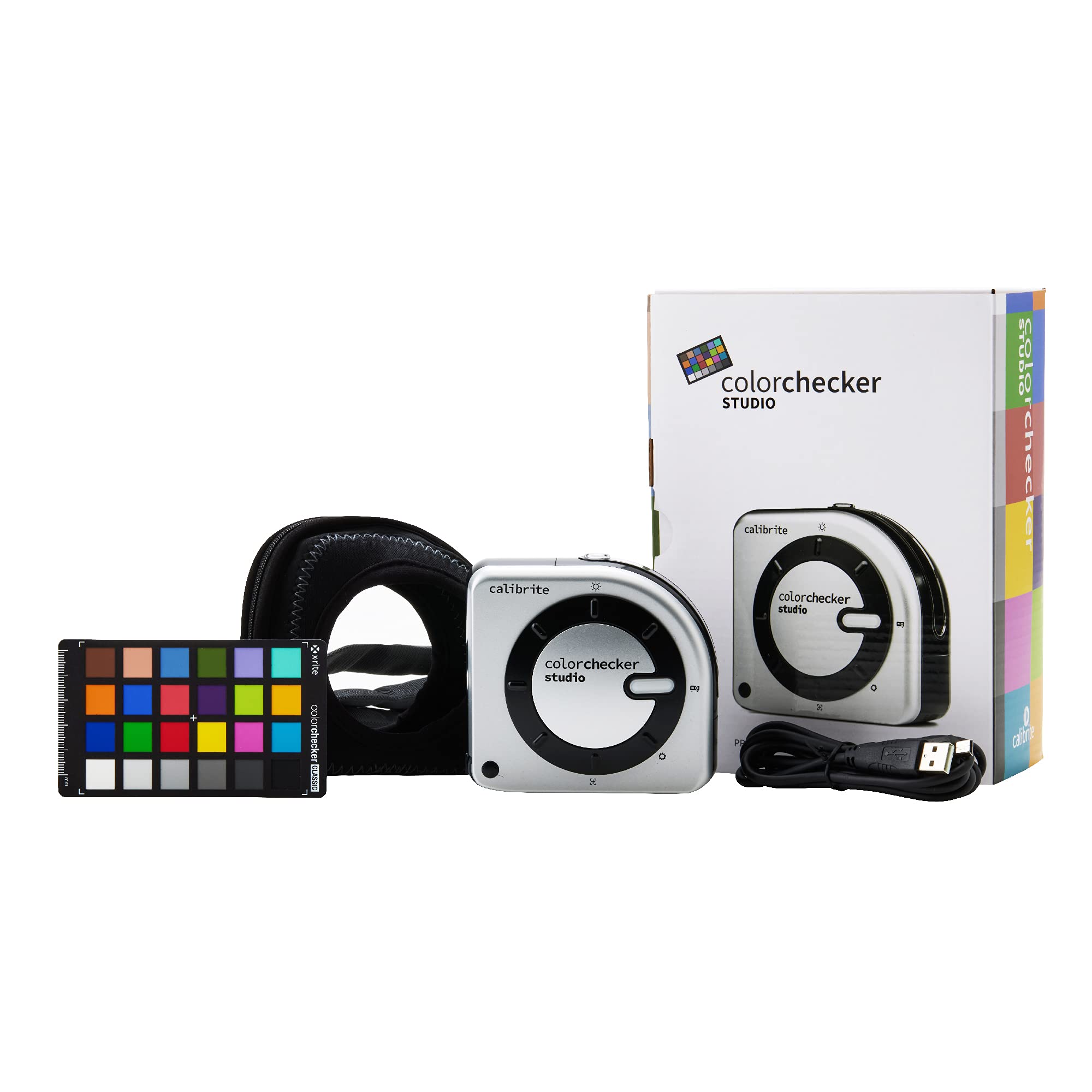
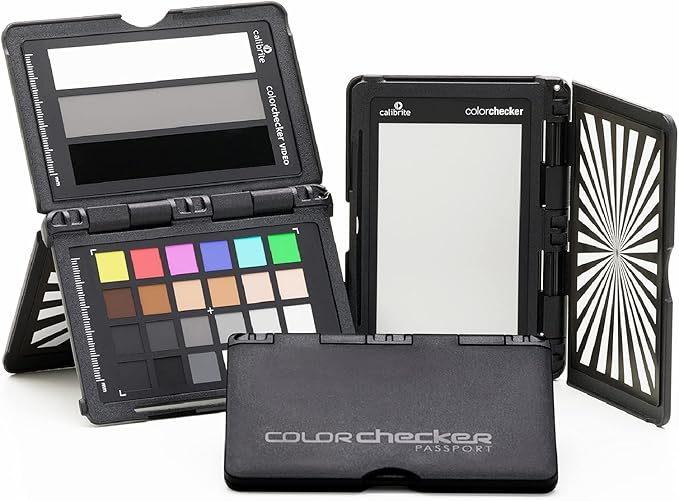
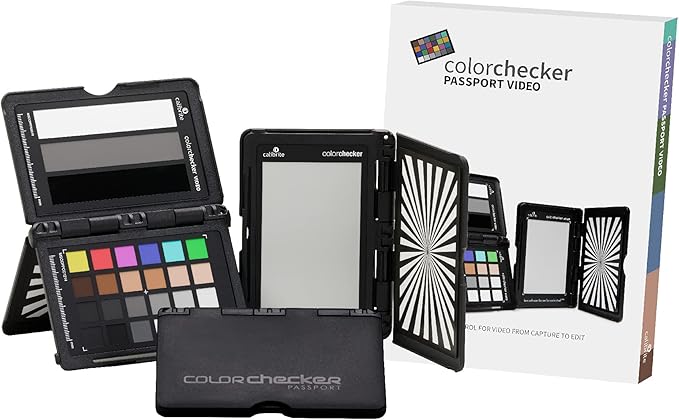
Color perfectionists shouldn’t guess when it comes to on-screen color accuracy. The color you see on your monitor or projector is the color you should expect from your printer. Once you take the guesswork and frustration out of calibrating and profiling your displays, you’ll save time and money while gaining full creative control over your images. And now, with the ability to change the color grading of video footage growing by leaps and bounds the necessity for accurate color representation on screen is even more paramount. The only way to edit video accurately is to view your footage accurately. With the included video color standards you can also make sure that what you see is what you’ll get throughout your digital video workflow.
Color perfectionists shouldn’t guess when it comes to on-screen color accuracy. The color you see on your monitor or projector is the color you should expect from your printer. Once you take the guesswork and frustration out of calibrating and profiling your displays, you’ll save time and money while gaining full creative control over your images. And now, with the ability to change the color grading of video footage growing by leaps and bounds the necessity for accurate color representation on screen is even more paramount. The only way to edit video accurately is to view your footage accurately. With the included video color standards you can also make sure that what you see is what you’ll get throughout your digital video workflow.
in 1 offers
The lowest price for Calibrite ColorChecker Display right now is $290.34 at cinegear.nl.
The all-time low was $183.01 on 28 Sept 2024 — today's price is 59% above the lowest ever. It has been notably cheaper before — worth setting a price alert.
Prices last updated 23 Oct 2026.
Calibrite ColorChecker Display
Color perfectionists shouldn’t guess when it comes to on-screen color accuracy. The color you see on your monitor or projector is the color you should expect from your printer. Once you take the guesswork and frustration out of calibrating and profiling your displays, you’ll save time and money while gaining full creative control over your images. And now, with the ability to change the color grading of video footage growing by leaps and bounds the necessity for accurate color representation on screen is even more paramount. The only way to edit video accurately is to view your footage accurately. With the included video color standards you can also make sure that what you see is what you’ll get throughout your digital video workflow.
Color perfectionists shouldn’t guess when it comes to on-screen color accuracy. The color you see on your monitor or projector is the color you should expect from your printer. Once you take the guesswork and frustration out of calibrating and profiling your displays, you’ll save time and money while gaining full creative control over your images. And now, with the ability to change the color grading of video footage growing by leaps and bounds the necessity for accurate color representation on screen is even more paramount. The only way to edit video accurately is to view your footage accurately. With the included video color standards you can also make sure that what you see is what you’ll get throughout your digital video workflow.
Last updated at 23/10/2026 01:23:17
Calibrite ColorChecker Display
Delivery $71.98
originally posted on bhphotovideo.com
Seems to be a very thorough and sophisticated calibrator. Very satisfied with the benefits of the calibration. Initially a little lost on the calibration steps for a Mac Studio Display, but after finding a YouTube demo, it was an easy process with great, reproducible, results.
originally posted on bhphotovideo.com
Not sure I can say much about a color management device but this works perfectly with both brand software (BenQ, Eizo) as well as it's own. I stayed away from calibrating for a long time because I thought it would be harder but really it's very easy to do. I got this one instead of the cheaper one because this allows hardware calibration vs just software calibration. Something to keep in mind.
originally posted on bhphotovideo.com
This unit replaces the x-rite i1 display pro 3. It is the identical unit, but now called Calibrite colorchecker pro.The i1 display pro 3 has been the go to standard for calibration of displays or projectors. I intend to use it with HCFR (free software) to calibrate my front screen projector.I did have some trouble installing the software included (that you need to download from the website). On one of my laptops, after installation, the program failed to run giving the error - missing file OpenCL.dll. A google search revealed this as a common error.The fix is listed on Calibrites website. I just installed the software on another laptop, which had the OpenCL.dll file already installed. (OpenCL.dll is part of the display drivers, but is missing on some windows ... MoreThis unit replaces the x-rite i1 display pro 3. It is the identical unit, but now called Calibrite colorchecker pro.The i1 display pro 3 has been the go to standard for calibration of displays or projectors. I intend to use it with HCFR (free software) to calibrate my front screen projector.I did have some trouble installing the software included (that you need to download from the website). On one of my laptops, after installation, the program failed to run giving the error - missing file OpenCL.dll. A google search revealed this as a common error.The fix is listed on Calibrites website. I just installed the software on another laptop, which had the OpenCL.dll file already installed. (OpenCL.dll is part of the display drivers, but is missing on some windows 10 installations).Then the Calibrite software worked, as did the open source HCFR.
| Category | Colorimeter |
| Measurement Range | Up to 2000 cd/m² (Light Sensitivity) |
| Parameters | Brightness levels |
| Accuracy | Accurately measuring ratios (Effective contrast display ratios) |
| Units | cd/m² |
Calibrite ColorChecker Display
Delivery $71.98
Seems to be a very thorough and sophisticated calibrator. Very satisfied with the benefits of the calibration. Initially a little lost on the calibration steps for a Mac Studio Display, but after finding a YouTube demo, it was an easy process with great, reproducible, results.
Not sure I can say much about a color management device but this works perfectly with both brand software (BenQ, Eizo) as well as it's own. I stayed away from calibrating for a long time because I thought it would be harder but really it's very easy to do. I got this one instead of the cheaper one because this allows hardware calibration vs just software calibration. Something to keep in mind.
This unit replaces the x-rite i1 display pro 3. It is the identical unit, but now called Calibrite colorchecker pro.The i1 display pro 3 has been the go to standard for calibration of displays or projectors. I intend to use it with HCFR (free software) to calibrate my front screen projector.I did have some trouble installing the software included (that you need to download from the website). On one of my laptops, after installation, the program failed to run giving the error - missing file OpenCL.dll. A google search revealed this as a common error.The fix is listed on Calibrites website. I just installed the software on another laptop, which had the OpenCL.dll file already installed. (OpenCL.dll is part of the display drivers, but is missing on some windows ... MoreThis unit replaces the x-rite i1 display pro 3. It is the identical unit, but now called Calibrite colorchecker pro.The i1 display pro 3 has been the go to standard for calibration of displays or projectors. I intend to use it with HCFR (free software) to calibrate my front screen projector.I did have some trouble installing the software included (that you need to download from the website). On one of my laptops, after installation, the program failed to run giving the error - missing file OpenCL.dll. A google search revealed this as a common error.The fix is listed on Calibrites website. I just installed the software on another laptop, which had the OpenCL.dll file already installed. (OpenCL.dll is part of the display drivers, but is missing on some windows 10 installations).Then the Calibrite software worked, as did the open source HCFR.
I use a BenQ PD3200U 32 monitor. I'm not a professional colorist but I've been using Davinci more and more on the projects that I edit. This product has given me much more accurate results across different kinds of screens. I'm not qualified to recommend it for serious colorists but for those who are in my position, I would absolutely recommend it. It's not the easiest piece of equipment to use but with some patience you can absolutely figure it out.
The Display Pro not only calibrates your monitor It works with the card too. It means what you see on the screen will have the best possible results on paper. Seeing adjustments in Lightroom or Photoshop forces you to slide the slider in the right spot. This really helps when to stop or you adjusting too much. Once you set it up you see what you will hopefully get.You still need print profiles as well for the paper. Making first class prints is no walk in the park. You really want to remove all the factors that can trap you. If you print big prints then this is an insurance policy. My first one only lasted 15 years so nothing is forever.
Really disappointed in this display calibration tool. I had a Color Munki from Xrite which served me well for years. It needed replacing, and I thought this was an updated version, but it's not the same company. The software interface is horribly outdated and not user friendly. When I run it, the saved profiles aren't all that different from the display's default profile. With the Color Munki, I could always see the difference post calibration, so I'm not even sure this thing is working correctly :(
I use a BenQ SW270C monitor, which has built-in calibration software and will pair with just about any calibration device. I went through a number of those devices before settling on the Pro.I had the i1 Studio, which can also calibrate your printer, but I found that Canson's profiles were better, so I went through a number of monitor-only calibrators, and I've decided to keep this one, the Calibrate Pro.It pairs nicely with the BenQ monitor, it offers all the advanced options you could need, and it works pretty fast. It's not a large unit, like the i1 Studio, so it hangs easily from the top of the monitor. No fussing around, just place it and it stays there.Profiles are very accurate, and I've set it to two different profiles, each with its own brightness ... MoreI use a BenQ SW270C monitor, which has built-in calibration software and will pair with just about any calibration device. I went through a number of those devices before settling on the Pro.I had the i1 Studio, which can also calibrate your printer, but I found that Canson's profiles were better, so I went through a number of monitor-only calibrators, and I've decided to keep this one, the Calibrate Pro.It pairs nicely with the BenQ monitor, it offers all the advanced options you could need, and it works pretty fast. It's not a large unit, like the i1 Studio, so it hangs easily from the top of the monitor. No fussing around, just place it and it stays there.Profiles are very accurate, and I've set it to two different profiles, each with its own brightness value. The higher value (80 cd/m2) is good for general computer work, while the darker value (60 cd/m2) is perfect for printing. Ever wonder why your prints are consistently dark? Your monitor's probably too bright. Now printing needs to corrections or adjustments, when it looks good in Photoshop, I press Print. Saves me time and lots of headaches.So yes, having this device is worth every dollar.
I used this to get my 2 - Apple Thunderbolt Displays to match (one had a red bias) in addition to a 4K Vizio TV being used as a monitor. It worked well and was pretty easy. I didn't use the included software. I used DisplayCAL which is free and open source. Worked great.I've since used it on basically every computer in the house.I also used this on my TV's with the help of another open-source program called HCFR to calibrate my televisions to proper SDR Rec 709.B&H is great. Free overnight shipping. No one could beat that. I'm happy with my purchase.
On my dual monitor Win 10 Pro setup I am unable to calibrate both monitors. When I try to calibrate and select the monitor I want to calibrate the software doesn't auto select the correct monitor. I bought this to replace my ColorMunki that I had misplaced. I have a support ticket in and I wonder how long it will take to hear back from them. Very very disappointed
I have been using a different Monitor calibrator for years & just switched to the Calibrite Color Checker Display. I have made one calibration, so far. The results were appreciably better than my former calibrator. The Calibitite Display will calibrate monitors & projectors. It does not automatically adjust to ambient light. This has been disabled by the company because of problem interaction with software,
| Category | Colorimeter |
| Measurement Range | Up to 2000 cd/m² (Light Sensitivity) |
| Parameters | Brightness levels |
| Accuracy | Accurately measuring ratios (Effective contrast display ratios) |
| Units | cd/m² |