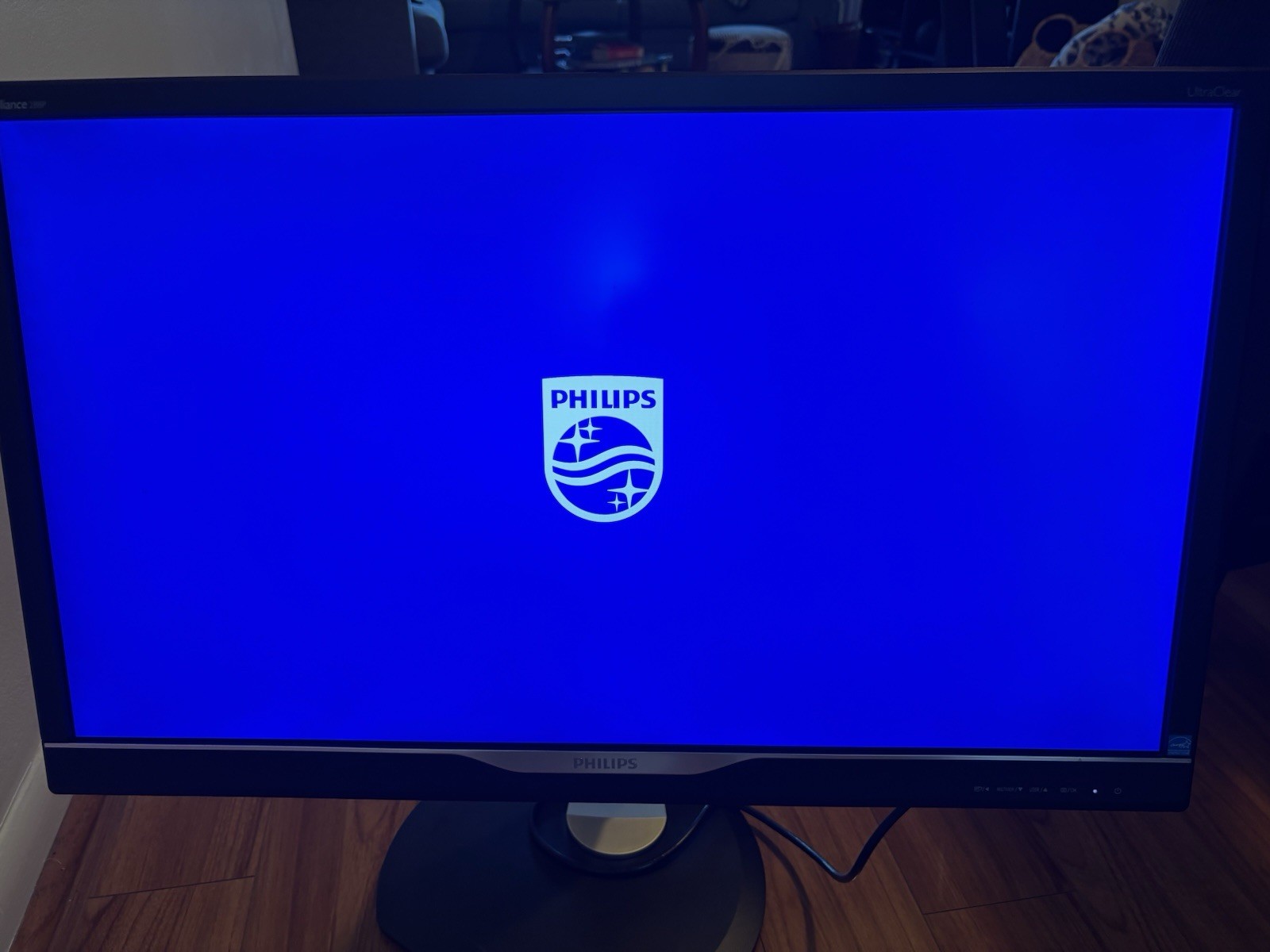
The Philips 279P1/00 offers a wide viewing angle with its IPS panel and with the extremely thin border, pictures and videos are displayed in full size. With eyefriendly techniques such as "FlickerFree" or "Low Blue" mode, the screen is suitable for home office or even at work. Laptops with a USBC port are quickly connected to the monitor and the integrated power supply charges the notebook battery, the Ethernet port also protects sensitive data. With the "SmartErgoBase" stand, the height, tilt and side angle of the display can be adjusted individually for each person, the pivot function is another plus point. The "PowerSensor" has an integrated sensor which reduces the brightness when the device is not in use, the light sensor also adjusts the picture brightness to the ambient light.this monitor has an IPS panel (inplane switching). The IPS technology combines two major advantages. Firstly, it provides a very wide viewing angle, so that several viewers can easily see the content at the same time. On the other hand, the IPS technology guarantees high colour fidelity. This makes this monitor also suitable for more coloursensitive applications such as image processing.
The Philips 279P1/00 offers a wide viewing angle with its IPS panel and with the extremely thin border, pictures and videos are displayed in full size. With eyefriendly techniques such as "FlickerFree" or "Low Blue" mode, the screen is suitable for home office or even at work. Laptops with a USBC port are quickly connected to the monitor and the integrated power supply charges the notebook battery, the Ethernet port also protects sensitive data. With the "SmartErgoBase" stand, the height, tilt and side angle of the display can be adjusted individually for each person, the pivot function is another plus point. The "PowerSensor" has an integrated sensor which reduces the brightness when the device is not in use, the light sensor also adjusts the picture brightness to the ambient light.this monitor has an IPS panel (inplane switching). The IPS technology combines two major advantages. Firstly, it provides a very wide viewing angle, so that several viewers can easily see the content at the same time. On the other hand, the IPS technology guarantees high colour fidelity. This makes this monitor also suitable for more coloursensitive applications such as image processing.
in 2 offers
The lowest price for Philips 279P1 27" UHD IPS Monitor with USB-C Docking right now is $399.00.
Prices last updated 3 Feb 2026.
Philips 279P1 27" UHD IPS Monitor with USB-C Docking
The Philips 279P1/00 offers a wide viewing angle with its IPS panel and with the extremely thin border, pictures and videos are displayed in full size. With eyefriendly techniques such as "FlickerFree" or "Low Blue" mode, the screen is suitable for home office or even at work. Laptops with a USBC port are quickly connected to the monitor and the integrated power supply charges the notebook battery, the Ethernet port also protects sensitive data. With the "SmartErgoBase" stand, the height, tilt and side angle of the display can be adjusted individually for each person, the pivot function is another plus point. The "PowerSensor" has an integrated sensor which reduces the brightness when the device is not in use, the light sensor also adjusts the picture brightness to the ambient light.this monitor has an IPS panel (inplane switching). The IPS technology combines two major advantages. Firstly, it provides a very wide viewing angle, so that several viewers can easily see the content at the same time. On the other hand, the IPS technology guarantees high colour fidelity. This makes this monitor also suitable for more coloursensitive applications such as image processing.
The Philips 279P1/00 offers a wide viewing angle with its IPS panel and with the extremely thin border, pictures and videos are displayed in full size. With eyefriendly techniques such as "FlickerFree" or "Low Blue" mode, the screen is suitable for home office or even at work. Laptops with a USBC port are quickly connected to the monitor and the integrated power supply charges the notebook battery, the Ethernet port also protects sensitive data. With the "SmartErgoBase" stand, the height, tilt and side angle of the display can be adjusted individually for each person, the pivot function is another plus point. The "PowerSensor" has an integrated sensor which reduces the brightness when the device is not in use, the light sensor also adjusts the picture brightness to the ambient light.this monitor has an IPS panel (inplane switching). The IPS technology combines two major advantages. Firstly, it provides a very wide viewing angle, so that several viewers can easily see the content at the same time. On the other hand, the IPS technology guarantees high colour fidelity. This makes this monitor also suitable for more coloursensitive applications such as image processing.
Last updated at 03/02/2026 16:53:34
originally posted on philips.co.uk
This monitor is working very well after five months use but I did consider returning it in first six weeks, owing to its complexity. I am now very pleased and think that it will last well over the long run and as I learn its quirks. I have purchased computers and peripherals since the 1980s.The physical features (turns, rotates, portrait, landscape, built-in loudspeakers) are really great. A problem is the use of five tiny buttons along the bottom and which are hard to see, but critical for proper use.The screen resolution, colours, contrast, and all adjustable but the monitor does not always seem to retain the settings, or some are incompatible with others in a way that I do not yet understand. For example, the monitor has an extensive set of SMART options for ... MoreThis monitor is working very well after five months use but I did consider returning it in first six weeks, owing to its complexity. I am now very pleased and think that it will last well over the long run and as I learn its quirks. I have purchased computers and peripherals since the 1980s.The physical features (turns, rotates, portrait, landscape, built-in loudspeakers) are really great. A problem is the use of five tiny buttons along the bottom and which are hard to see, but critical for proper use.The screen resolution, colours, contrast, and all adjustable but the monitor does not always seem to retain the settings, or some are incompatible with others in a way that I do not yet understand. For example, the monitor has an extensive set of SMART options for sensing user presence, adjusting blue shift, adjusting screen contrast, and so on, but the use of one negates the use of another in a way that is not described in the manual, or elsewhere, and known only to the design engineers. Phone support was basic when tried.Monitor has an extensive set of connections, for use with many types of computer, but its abilities depend upon which connections are in use. For example, no problem with wake from sleep by bluetooth keyboard touch if connected via HDMI. If connected via USB-C only, and using a bluetooth keyboard/mouse, then wake from sleep can require waking monitor first by button push, and then waking the computer by mouse or keyboard. Frustrates my partner.Other posts on shopping sites have described some issues arise when using USB-C only as a connection and USB 3.2 is enabled for the monitor ports,for peripherals. I have set the USB bus to 2.0 and avoid such issues.Download of the user manual is an absolute must. It's impossible to understand the settings and choices otherwise.It is clear from the types of questions asked on various sites that users have not found the manual and so cannot resolve even simple features such as turning on audio speakers, adjusting contrast, etc.The sole support issue so far is that on the first day, when carefully turning the monitor 90 degrees landscape to portrait, the end of the supplied USB-C cable ripped off. I requested another from the phone support and it was mailed at no cost.In dealing with the first level support ( a third party company) and asking other questions, it was clear that the operator was merely reading through scripts and did not have as much information as I did when using the downloaded manual. So i stopped asking difficult set-up questions.All in all, after five months I would give it just less than 5 stars owing to some quirks.
originally posted on digitec.ch
I have everything connected to the monitor - ethernet, webcam, keyboard, mouse, audio.
originally posted on philips.com
Left half of the screen backlit noticeably flicks / blinks. It takes 5minutes for the display to "heat up" before it stops blinking. Once display refused to produce sound via HDMI / DP, only changing the volume in the display menu "fixed" sound reproduction.Take attention to the refresh rate: there are two near 60Hz and by default Windows 10 selected the lower one via HDMI (in fraction of Hz) - display showed lots of rainbow artifacts and incorrectly rendered solid colors in some positions (like black like is displayed as blue line).Power Delivery works via USB-C.
| General | |
| Display Type | LED-backlit LCD monitor / TFT active matrix |
| Diagonal Size | 27" |
| Built-in Devices | Gigabit Ethernet network adapter, USB 3.2 hub |
| USB Power Delivery | 90 Watt |
This monitor is working very well after five months use but I did consider returning it in first six weeks, owing to its complexity. I am now very pleased and think that it will last well over the long run and as I learn its quirks. I have purchased computers and peripherals since the 1980s.The physical features (turns, rotates, portrait, landscape, built-in loudspeakers) are really great. A problem is the use of five tiny buttons along the bottom and which are hard to see, but critical for proper use.The screen resolution, colours, contrast, and all adjustable but the monitor does not always seem to retain the settings, or some are incompatible with others in a way that I do not yet understand. For example, the monitor has an extensive set of SMART options for ... MoreThis monitor is working very well after five months use but I did consider returning it in first six weeks, owing to its complexity. I am now very pleased and think that it will last well over the long run and as I learn its quirks. I have purchased computers and peripherals since the 1980s.The physical features (turns, rotates, portrait, landscape, built-in loudspeakers) are really great. A problem is the use of five tiny buttons along the bottom and which are hard to see, but critical for proper use.The screen resolution, colours, contrast, and all adjustable but the monitor does not always seem to retain the settings, or some are incompatible with others in a way that I do not yet understand. For example, the monitor has an extensive set of SMART options for sensing user presence, adjusting blue shift, adjusting screen contrast, and so on, but the use of one negates the use of another in a way that is not described in the manual, or elsewhere, and known only to the design engineers. Phone support was basic when tried.Monitor has an extensive set of connections, for use with many types of computer, but its abilities depend upon which connections are in use. For example, no problem with wake from sleep by bluetooth keyboard touch if connected via HDMI. If connected via USB-C only, and using a bluetooth keyboard/mouse, then wake from sleep can require waking monitor first by button push, and then waking the computer by mouse or keyboard. Frustrates my partner.Other posts on shopping sites have described some issues arise when using USB-C only as a connection and USB 3.2 is enabled for the monitor ports,for peripherals. I have set the USB bus to 2.0 and avoid such issues.Download of the user manual is an absolute must. It's impossible to understand the settings and choices otherwise.It is clear from the types of questions asked on various sites that users have not found the manual and so cannot resolve even simple features such as turning on audio speakers, adjusting contrast, etc.The sole support issue so far is that on the first day, when carefully turning the monitor 90 degrees landscape to portrait, the end of the supplied USB-C cable ripped off. I requested another from the phone support and it was mailed at no cost.In dealing with the first level support ( a third party company) and asking other questions, it was clear that the operator was merely reading through scripts and did not have as much information as I did when using the downloaded manual. So i stopped asking difficult set-up questions.All in all, after five months I would give it just less than 5 stars owing to some quirks.
I have everything connected to the monitor - ethernet, webcam, keyboard, mouse, audio.
Left half of the screen backlit noticeably flicks / blinks. It takes 5minutes for the display to "heat up" before it stops blinking. Once display refused to produce sound via HDMI / DP, only changing the volume in the display menu "fixed" sound reproduction.Take attention to the refresh rate: there are two near 60Hz and by default Windows 10 selected the lower one via HDMI (in fraction of Hz) - display showed lots of rainbow artifacts and incorrectly rendered solid colors in some positions (like black like is displayed as blue line).Power Delivery works via USB-C.
When my previous monitor started flashing on and off, I started looking at my options. I had a 4K monitor and wanted something with at least the same resolution. I also have an iMac 27" with retina, so I wanted something that would match the brightness of the iMac as I use both. This monitor matches very well.
Even at 27" using full resolution is too small for my eyes even with glasses, so I use 150% as recommended by Windows 10. It gives a satisfactory result, but character contrast is still lower than I'd like. Also, because of a Win10 bug, when the screen sleeps, all windows overlay the upper left corner and have to be dragged out again. There is a fix, but it's difficult to implement because it requires editing the registry and it doesn't stick. The online documentation is terrible and doesn't describe how to use the settings, but merely names them and gives overly brief functional descriptions.
Pros: Great resolution, does exactly what I wanted, and works with both my dell work laptop and Samsung android on the docking station.Cons: The chin at the bottom does bend slightly. Coming from a curved monitor it was a bit goldfish bowl like.Took a few days to get used to
tldr; using the "fast charging" port on my monitor completely broke my iPhone, and now I have to buy a new oneI purchased this monitor last week, and it worked fine as an external display for about 2 days. One of the USB-A ports on the side of the monitor is advertised as a "fast charging" port for your smartphone.On the second day of monitor use, after plugging in my iPhone XS for about 15 minutes (before charging, my phone had maybe 60% battery), I noticed that my phone was no longer responding or turning on. I tried powering it all the way down but to no avail. Tried charging it through a normal wall outlet, through my power strip, through my computer: nothing worked. To clarify, my iPhone is about 3 years old, and I would classify it as being in fairly good ... Moretldr; using the "fast charging" port on my monitor completely broke my iPhone, and now I have to buy a new oneI purchased this monitor last week, and it worked fine as an external display for about 2 days. One of the USB-A ports on the side of the monitor is advertised as a "fast charging" port for your smartphone.On the second day of monitor use, after plugging in my iPhone XS for about 15 minutes (before charging, my phone had maybe 60% battery), I noticed that my phone was no longer responding or turning on. I tried powering it all the way down but to no avail. Tried charging it through a normal wall outlet, through my power strip, through my computer: nothing worked. To clarify, my iPhone is about 3 years old, and I would classify it as being in fairly good condition (i.e., no known battery or performance issues).The next day I had an appointment at Apple's Genius Bar, and a tech confirmed my worst fear: somehow in those 15 minutes of "fast charging" through my monitor, something had damaged my phone's internal circuitry and made it unable to receive/circulate power. The tech noted that this was not just a dead battery issue (in which case they could just replace it), but an issue with the whole phone, and unfortunately the only option I had was to buy a new phone.I called Philips customer support yesterday and spoke with 2 different employees, both of whom tried to find any reason this could be my fault. No, I did not plug into the incorrect USB port. No, I did not charge my device during a storm or electrical fire. Yes, I know that all smartphone batteries have a finite lifespan, but no, a phone battery gradually (i.e., over a few years) being able to hold less and less charge is very different than one that in a matter of minutes shuts off and is never able to receive charge again. Absolutely infuriating.They said my case is being escalated, and I will consider updating this review with any progress, but for now I have been trying to get through life without a phone (quite difficult nowadays when so many services I use are 2FA-protected) until I can buy a new one. I'm definitely never plugging anything else into the "fast charging" port on my monitor, but honestly I would just recommend avoiding this monitor altogether. Trust me, you don't want the horrible feeling of discovering your phone is bricked after you simply plugged it in to charge. Wish I could rate lower than 1 star, but this will have to do.
The only reason I bought this is to be able to use ONE cable to connect my laptop (as docking is supposed to work). However, the DisplayPort over USB-C in this monitor can only do 4K 60Hz when the USB2.0 is selected in the menu (instead of USB3.2). With USB3.2 selected it maxes out at 4K 30Hz which is unusable. With USB2.0 selected everything looks like it's working - you have 4K 60Hz, you have power going to the laptop and you have USB hub with Ethernet connection. But... The USB hub is only USB2.0 speed, which means the Ethernet maxes out at about 300Mbps and external drives connected to the monitor have severely limited transfers.Result? I have to use TWO cables - USB-C for the hub with USB3.2 set in the monitor and an additional DisplayPort cable.BTW I'm ... MoreThe only reason I bought this is to be able to use ONE cable to connect my laptop (as docking is supposed to work). However, the DisplayPort over USB-C in this monitor can only do 4K 60Hz when the USB2.0 is selected in the menu (instead of USB3.2). With USB3.2 selected it maxes out at 4K 30Hz which is unusable. With USB2.0 selected everything looks like it's working - you have 4K 60Hz, you have power going to the laptop and you have USB hub with Ethernet connection. But... The USB hub is only USB2.0 speed, which means the Ethernet maxes out at about 300Mbps and external drives connected to the monitor have severely limited transfers.Result? I have to use TWO cables - USB-C for the hub with USB3.2 set in the monitor and an additional DisplayPort cable.BTW I'm using it with the ThinkPad X280.
Purchased monitor for home office specifically to work with MacBook Air via the USB C connection. Straight out of the box it work with my MacBook Air without any firmware updates. Extremely happy with the display quality and array of usb connections to simplify my workspace. Their are a number of settings that users can choose from based on your preference. Price point was acceptable for 4K USB C Monitor.
Using USB-C connection with MacBook Pro 16" (2018) as a secondary display at 4K 60hz.I initially encountered a frustrating issue in which the display would randomly cut out entirely. Turning the Smart Power setting on seems to have remedied the issue.Otherwise seems like a solid monitor!
| General | |
| Display Type | LED-backlit LCD monitor / TFT active matrix |
| Diagonal Size | 27" |
| Built-in Devices | Gigabit Ethernet network adapter, USB 3.2 hub |
| USB Power Delivery | 90 Watt |

