Dell P2719H Monitor Usage and Troubleshooting Guide | Dell Australia
Dell P2719H Monitor Usage and Troubleshooting Guide | Dell Australia
in 1 offers
The lowest price for Dell P2719H 27inch P-Series WLED FHD IPS Monitor right now is $299.99 at ManlyLaptops.com.au.
The all-time low was $299.99 on 9 Mar 2026. That's the lowest price we've ever tracked — a great time to buy.
Prices last updated 17 Mar 2026.
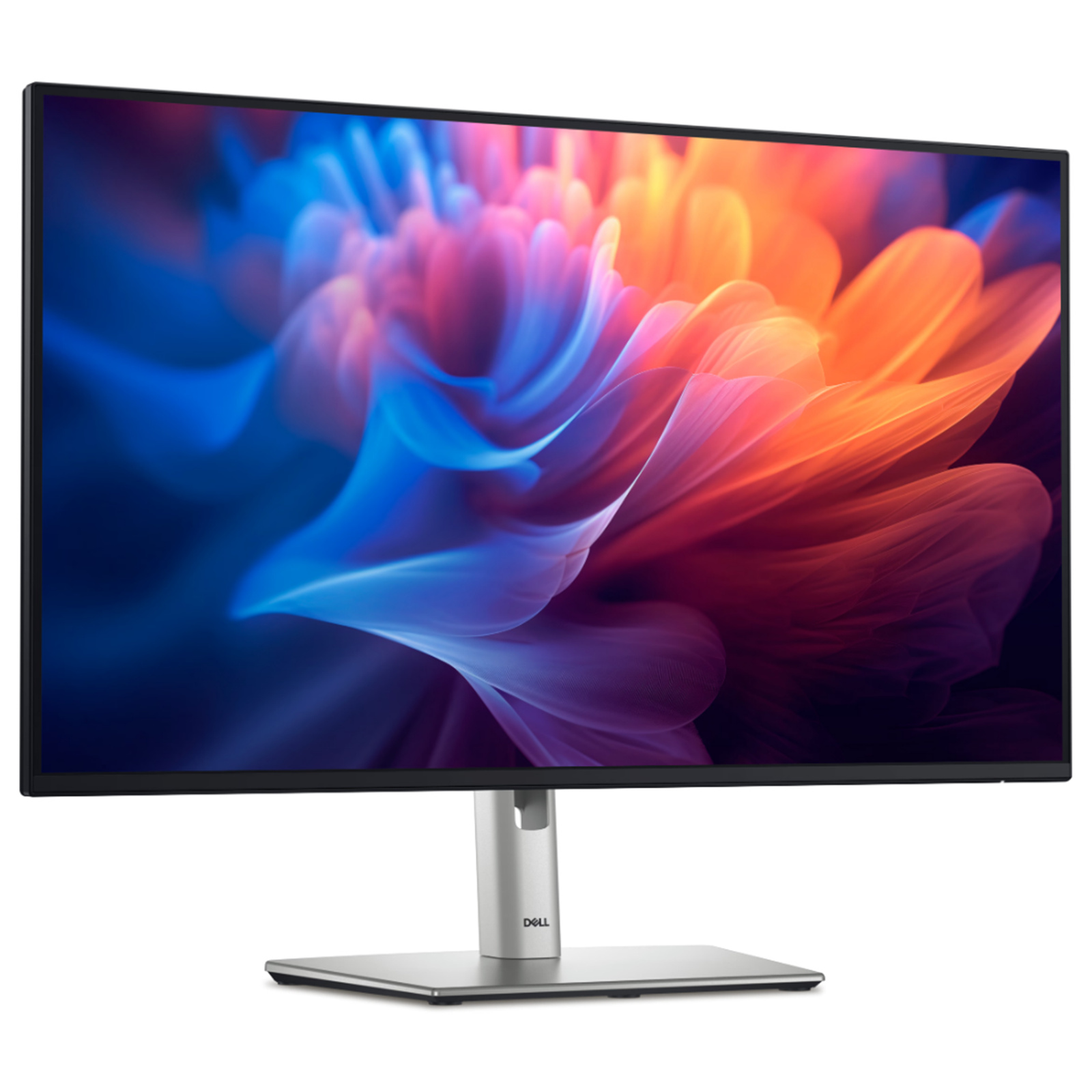
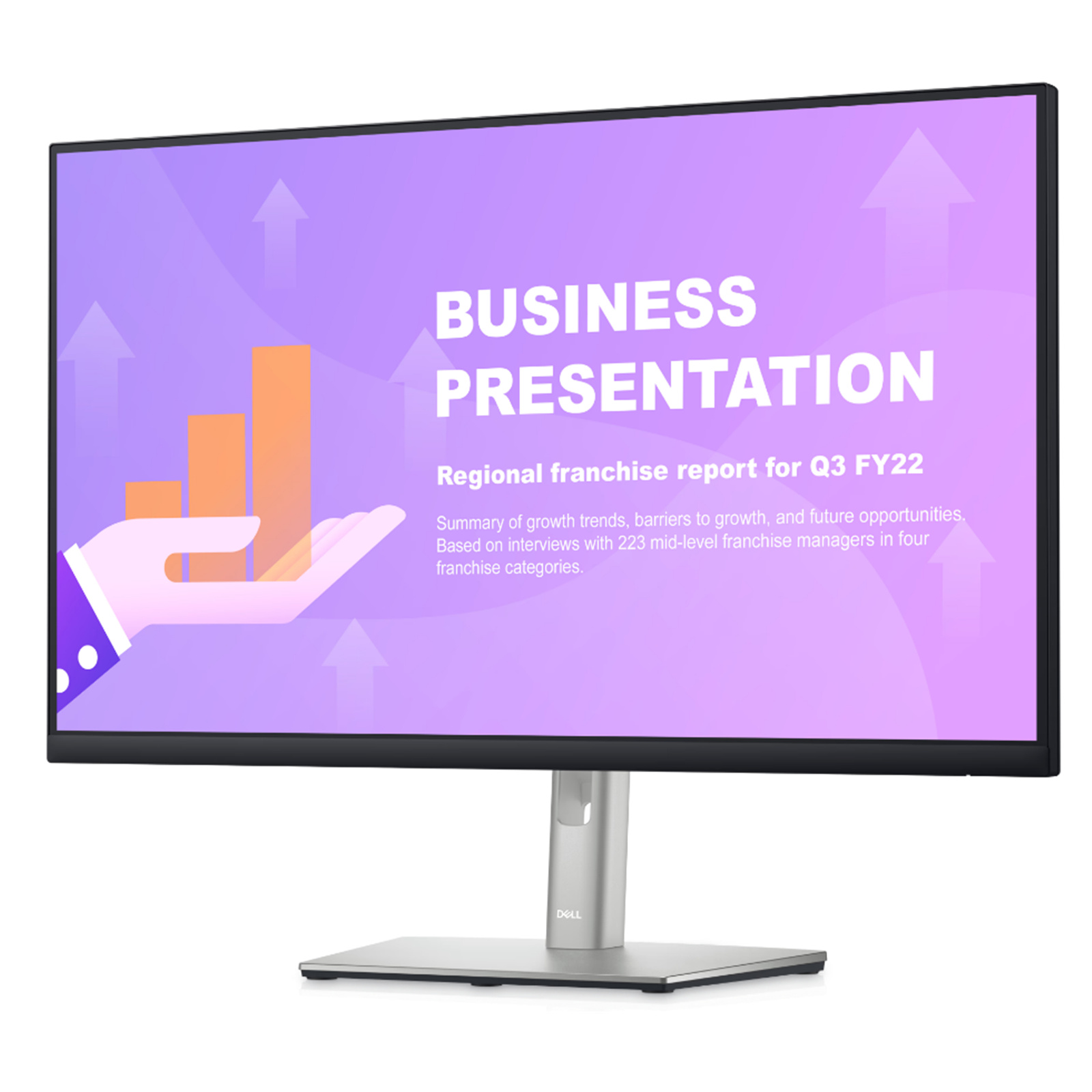
Dell P2719H 27inch P-Series WLED FHD IPS Monitor
Dell P2719H Monitor Usage and Troubleshooting Guide | Dell Australia
Dell P2719H Monitor Usage and Troubleshooting Guide | Dell Australia
Last updated at 17/03/2026 23:47:16
Dell 27" Monitor P2719H FHD IPS LCD LED (1920x1080) - HDMI & DisplayPort
Delivery between 19–26 Mar $9.99
originally posted on dell.com
I have been using and purchasing Dell 'P'rofessional grade monitors for many years. I love the default 3 year, no hassle, advanced exchange warranty, even though I have only ever had to exchange two monitors out of hundreds I have purchased for my workforce.You get the connectivity you need (HDMI, DP (and for previous years DVI and VGA)) for the generation you are purchasing. You get a great display for the users and finally you get a really good warranty with them! All that at a price point that makes sense.Sure, you can buy cheaper monitors, but for those that are looking at a screen every day or for those supporting the users, these are a wonderful value. Get a discount or rebate and even more so!In the end, I have never been disappointed in the 'P' class ... MoreI have been using and purchasing Dell 'P'rofessional grade monitors for many years. I love the default 3 year, no hassle, advanced exchange warranty, even though I have only ever had to exchange two monitors out of hundreds I have purchased for my workforce.You get the connectivity you need (HDMI, DP (and for previous years DVI and VGA)) for the generation you are purchasing. You get a great display for the users and finally you get a really good warranty with them! All that at a price point that makes sense.Sure, you can buy cheaper monitors, but for those that are looking at a screen every day or for those supporting the users, these are a wonderful value. Get a discount or rebate and even more so!In the end, I have never been disappointed in the 'P' class monitors and neither have our users!
originally posted on bhphotovideo.com
I am a loyal B&H Shopper, but I am only because they have never failed me. Every purchase has always been exactly as advertised, arrived on time, and the only time I ever had a problem with something, it was taken care of satisfactorily immediately!So, this Dell monitor is excellent! It's an IPS panel, and the image quality is even better than I expected! The adjustable height was an unexpected bonus. You can't go wrong with Dell monitors, or with BH!
originally posted on dell.com
Was able to purchase the monitors after talking directly with the Dell rep online. He was extremely helpful and I got the online discounts. I just purchased 24 of these monitors to outfit a new office. They are perfect for what we needed in double monitors. The only thing I would change is that we use Microsoft Dock 2 and need cables that are Display Port to USB-C in order to effectively making them work. Had to by these additional cables separately.
| Display resolution | 1920 x 1080 pixels |
| Backlight type | LED |
| Screen shape | Flat |
Dell 27" Monitor P2719H FHD IPS LCD LED (1920x1080) - HDMI & DisplayPort
Delivery between 19–26 Mar $9.99
I have been using and purchasing Dell 'P'rofessional grade monitors for many years. I love the default 3 year, no hassle, advanced exchange warranty, even though I have only ever had to exchange two monitors out of hundreds I have purchased for my workforce.You get the connectivity you need (HDMI, DP (and for previous years DVI and VGA)) for the generation you are purchasing. You get a great display for the users and finally you get a really good warranty with them! All that at a price point that makes sense.Sure, you can buy cheaper monitors, but for those that are looking at a screen every day or for those supporting the users, these are a wonderful value. Get a discount or rebate and even more so!In the end, I have never been disappointed in the 'P' class ... MoreI have been using and purchasing Dell 'P'rofessional grade monitors for many years. I love the default 3 year, no hassle, advanced exchange warranty, even though I have only ever had to exchange two monitors out of hundreds I have purchased for my workforce.You get the connectivity you need (HDMI, DP (and for previous years DVI and VGA)) for the generation you are purchasing. You get a great display for the users and finally you get a really good warranty with them! All that at a price point that makes sense.Sure, you can buy cheaper monitors, but for those that are looking at a screen every day or for those supporting the users, these are a wonderful value. Get a discount or rebate and even more so!In the end, I have never been disappointed in the 'P' class monitors and neither have our users!
I am a loyal B&H Shopper, but I am only because they have never failed me. Every purchase has always been exactly as advertised, arrived on time, and the only time I ever had a problem with something, it was taken care of satisfactorily immediately!So, this Dell monitor is excellent! It's an IPS panel, and the image quality is even better than I expected! The adjustable height was an unexpected bonus. You can't go wrong with Dell monitors, or with BH!
Was able to purchase the monitors after talking directly with the Dell rep online. He was extremely helpful and I got the online discounts. I just purchased 24 of these monitors to outfit a new office. They are perfect for what we needed in double monitors. The only thing I would change is that we use Microsoft Dock 2 and need cables that are Display Port to USB-C in order to effectively making them work. Had to by these additional cables separately.
If you want a monitor that is fully adjustable - up/down, side to side, tilt and pan, than this is it. It was also great for me because it had a VGA socket as well as HDMI, so it was easier to plug and play for me without having to completely disassemble my computer desk set up. Also if you want USB outlets on your monitor (I find them so much easier to reach than those on my CPU) this is also an excellent choice. It actually has four USB ports (downstream) two on the side and two in the back, so I put some of things (like my Fitbit dongle) in one of the back ports, so that I can leave it in all the time, and still have two open ports easily accessible on the side for jump drives and external hard drive backups.Only been using it for a few weeks, but am very happy ... MoreIf you want a monitor that is fully adjustable - up/down, side to side, tilt and pan, than this is it. It was also great for me because it had a VGA socket as well as HDMI, so it was easier to plug and play for me without having to completely disassemble my computer desk set up. Also if you want USB outlets on your monitor (I find them so much easier to reach than those on my CPU) this is also an excellent choice. It actually has four USB ports (downstream) two on the side and two in the back, so I put some of things (like my Fitbit dongle) in one of the back ports, so that I can leave it in all the time, and still have two open ports easily accessible on the side for jump drives and external hard drive backups.Only been using it for a few weeks, but am very happy with it. Like the almost nonexistent bezels on sides and top much more visible screen than my old 22 inch. It took a little bit to get used to the anti-blue light - makes the screen a tad yellower with white backgrounds, but it is more restful.I am not a gamer, and being retired I no longer use it for work tasks, mostly just to stream video, read the news, e-mail, social media, and manage family finances, etc. It works just fine for all those things, and is a good size for me, any larger and I'd have to move my head too much back and forth.
This is the second one of these I've bought--my wife has enjoyed hers for 2 years & when I needed a new one, I bought the same thing (was happy I could still get it!) Yes it is not 4k and no I can't vouch for it in extreme-refresh-rate situations like gaming since I'm not a gamer, but I sit in front of it for 8 hours a day for work and I'm completely happy with the picture quality.Also one of its main selling points for me is that it can get VERY dim--I'm pretty sensitive to bright light, & a cheaper monitor I bought before this one didn't have nearly as wide a range of brightness adjustability.It comes with a very nice stand that provides a good range of height adjustability, as well as swivel and vertical angle.Lastly, it's just very nice looking--extremely ... MoreThis is the second one of these I've bought--my wife has enjoyed hers for 2 years & when I needed a new one, I bought the same thing (was happy I could still get it!) Yes it is not 4k and no I can't vouch for it in extreme-refresh-rate situations like gaming since I'm not a gamer, but I sit in front of it for 8 hours a day for work and I'm completely happy with the picture quality.Also one of its main selling points for me is that it can get VERY dim--I'm pretty sensitive to bright light, & a cheaper monitor I bought before this one didn't have nearly as wide a range of brightness adjustability.It comes with a very nice stand that provides a good range of height adjustability, as well as swivel and vertical angle.Lastly, it's just very nice looking--extremely thin front bezels on the top and sides, and not too thick on the bottom. Also its curved back makes it look less than 1/2 deep at the edges. Whether on its stand or mounted to an arm, it's sleeker-looking than almost any other monitor I've seen.Hope this helps!
The monitor is a very good quality one. Flexibility in moving up and down, and rotation with an angle make it very comfortable in reading. Colors and resolution are great. Connected smoothly with my MacBook air 2017. An advantage has multiple ports for different cable inlets, providing great flexibility in connection as an extended display. Screen not bulky with slim thickness. Worth the price.
The screen was very easy to put together and instructions were very user friendly. Just take your time and follow instructions. Please note if this is your first time you cannot adjust the base unless you have the screen situated. It might look like it can but it doesn't. I have been putting Dell products together for years both computers and screens and this screen has been the easiest. The hardest thing in comparison to my older screens is the location of the color spectrums on the screen, not what I was accustomed to of course. But that's progress and I love all of the new up dates and I went from a 24" screen to a 27" screen because I bought myself a brand new computer.
Good Points: - I've been using it now for over 1.5 years and it has been very reliable.- non-reflective matt screen coating and the 'ComfortView' setting minimising the blue light make it much easier on the eyes than a standard glossy laptop screen. I can spend a whole day staring at the screen without much eye fatigue.- fully adjustable i.e. height, tilt and rotation from left to right. You can also change the orientation from landscape to portrait, but I haven't found it particularly useful in my work.- the 22 inch size is ideal for my desk setup - I get the full screen area within my periferal vision field.- can use HDMI cable as well as an old fashioned VGA cable which makes it ideal for my old home laptop.Improvement Points: Nope, it's perfect.
First, let me state that I am not a gamer and cannot speak for this monitor in any gaming context. I am a hobbyist photographer, not a professional by any means, who shoots in RAW format and edits those RAW files in Light Room on my computer. I don't need an expensive high end monitor required by a professional photographer, but wanted something reasonably comparable in the budget monitor category. I read at least 2 good reviews that included this monitor in its budget category for photographers. I have not owned a Dell monitor since purchasing a complete Dell computer setup prior to my first home build in 2005. This monitor checks almost all of my boxes. Reviews did state that it needs to be calibrated for photography use and I did calibrate mine with a now ... MoreFirst, let me state that I am not a gamer and cannot speak for this monitor in any gaming context. I am a hobbyist photographer, not a professional by any means, who shoots in RAW format and edits those RAW files in Light Room on my computer. I don't need an expensive high end monitor required by a professional photographer, but wanted something reasonably comparable in the budget monitor category. I read at least 2 good reviews that included this monitor in its budget category for photographers. I have not owned a Dell monitor since purchasing a complete Dell computer setup prior to my first home build in 2005. This monitor checks almost all of my boxes. Reviews did state that it needs to be calibrated for photography use and I did calibrate mine with a now obsolete X-Rite Color Munki Smile, and the difference was noticeable - colors were richer and more vivid.I keep my monitor in a rolltop desk. I need an adjustable height monitor so I can roll my desk top down and close it up in my desk. Although this monitor screen is 2 larger than my last monitor, it fits nicely in my desk and takes up less room front to back as it is thinner and my last monitor stand bent outwards as it was pushed down closer to the desk, and this one moves straight up and down on its stand. It's very well made, looks professional, has a very nice finish and doesn't feel flimsy. I was a little worried about the maximum brightness rating, but I found that I had to turn the brightness down from the factory setting of 75%. Images are sharp to my eyes and screen has no glare. Cables can be threaded through the hole in the stand behind the screen. It comes with a Power Cable, DisplayPort cable and USB 3.0 Upstream Cable to power the two USB ports on side of the monitor. These ports are factory set to go to sleep when the monitor is in standby mode, but this can be set to stay on during standby in the Menu system under Personalize. One thing that could potentially be a problem for some users are the power cords on these newer monitors. Many have a proprietary cord with a brick adapter, either in the middle of the power cord or at the plug itself, and they don't usually tell you that it does, or where it is, in the description. I was initially looking at a Samsung monitor and one of the reviewers stated that it had a brick at the plug. This is a deal breaker for me because I already have two brick at the plug devices on my surge protector strip. A brick at the plug can make it difficult to plug something in next to it and I don't want any more on my strip. This is the only monitor I saw that still uses the standard 3 prong computer power cord, and I have a drawer full of these cords if something happens to this one.I would highly recommend this monitor for everyday computing (email, documents, Internet surfing, etc.), and hobbyist photographers like myself. I am very happy with my purchase!
I purposely purchased this monitor because of my experience with the P2419H that comes with the new Dell desktops that are bought by schools (University specifically). I was able to use that one at school for my dissertation graphics. At the start of the pandemic, I had to work on these from home and was severely struggling with just my laptop. I did a bunch of research and settled on getting the larger version of the same monitor.I am extremely pleased with this monitor. Below are the things that I wanted my monitor to be capable of or contained:- High resolution- Large enough to have multiple programs open and side by side- All 4 movement functions: Tilt, swivel, pivot, height adjustment- Had multiple options for connecting to computers- Had 4 USB ports, 2 ... MoreI purposely purchased this monitor because of my experience with the P2419H that comes with the new Dell desktops that are bought by schools (University specifically). I was able to use that one at school for my dissertation graphics. At the start of the pandemic, I had to work on these from home and was severely struggling with just my laptop. I did a bunch of research and settled on getting the larger version of the same monitor.I am extremely pleased with this monitor. Below are the things that I wanted my monitor to be capable of or contained:- High resolution- Large enough to have multiple programs open and side by side- All 4 movement functions: Tilt, swivel, pivot, height adjustment- Had multiple options for connecting to computers- Had 4 USB ports, 2 of which are located on the side for easy flash drive access.- Took up relatively little desk space.The other features that set this monitor apart from other that I have seen is the USB-C option. The USB-C cord *can* be the only cord you need to connect to your laptop. However!! This is completely dependent on the USB-C port on your laptop or desktop. Do not assume that the USB-C port on your laptop will automatically perform everything that this monitor suggests. My laptop is not the newest (but not old either) so the USB-C port is not able to be used for displaying or for the laptop charging option. There is no adapter that can make this an option either, so be mindful of that.Overall, I love this monitor and I hope to get a second one as soon as I get a desk big enough! I don't know if it works well with a wall mount as I haven't tried any. I highly recommend.
| Display resolution | 1920 x 1080 pixels |
| Backlight type | LED |
| Screen shape | Flat |