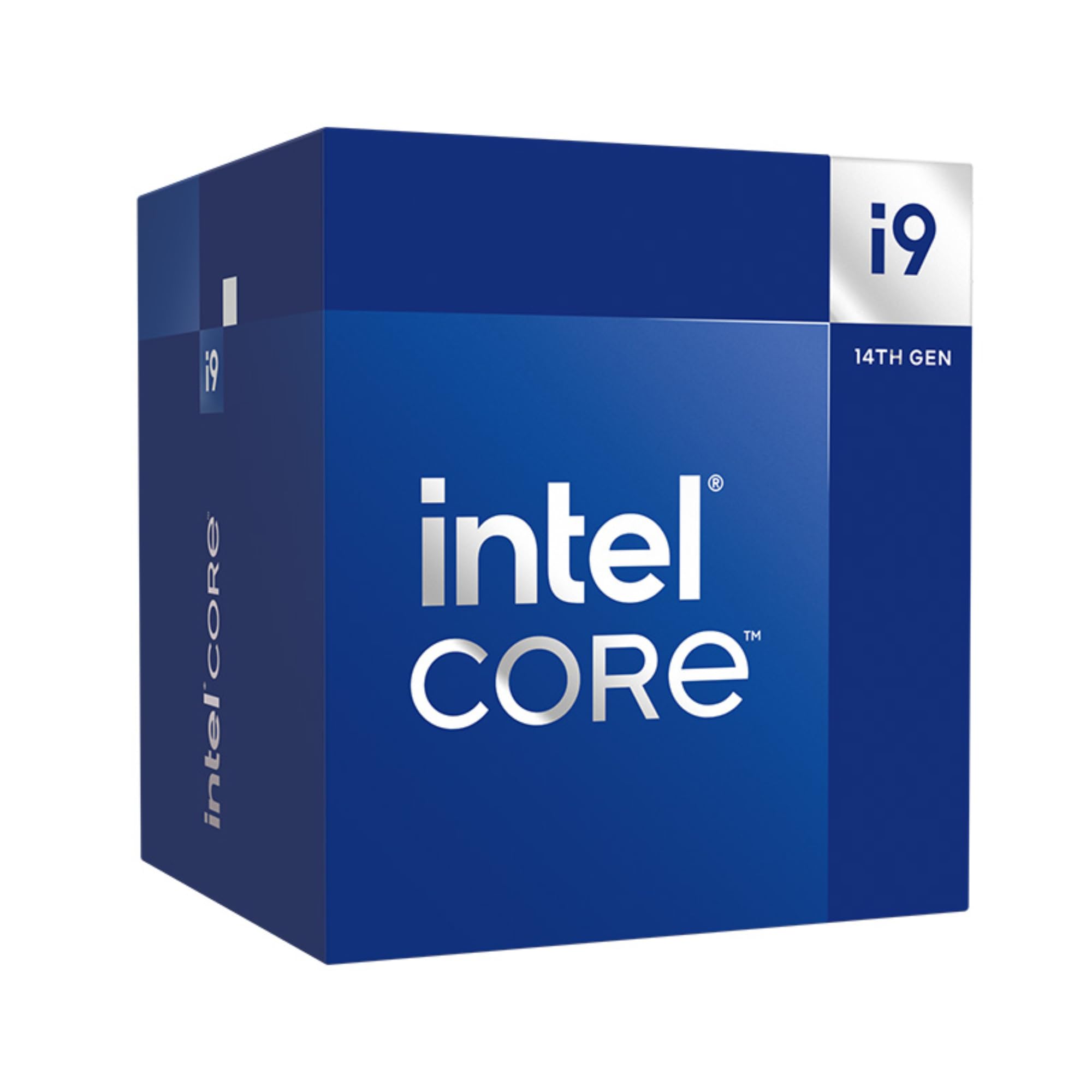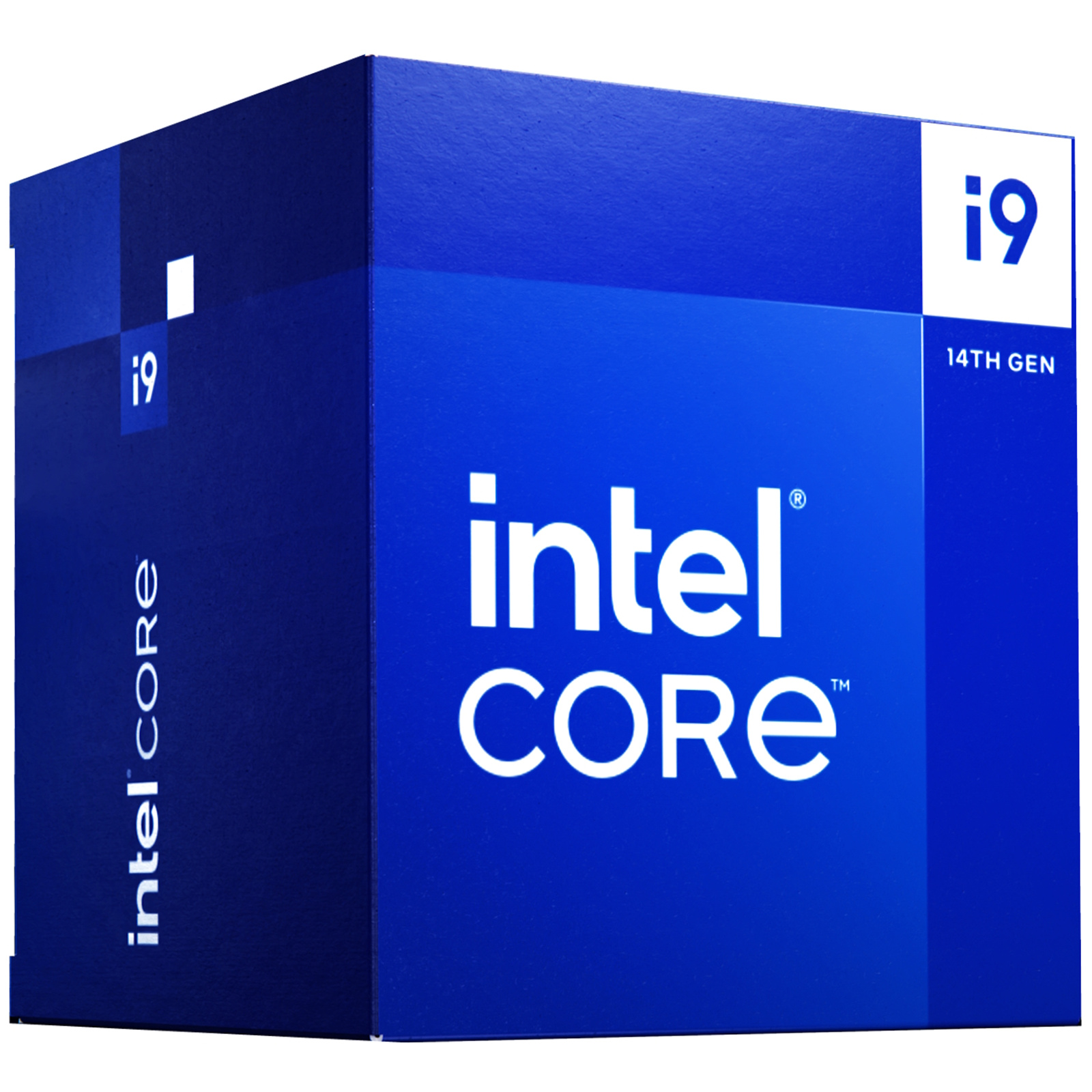
Intel Core i9 14900 Processor
Game without compromise. Be everything you want to be, in-game and out, with optimised performance and new features that let you play harder and work smarter. Designed for the needs of today s gamers. Newly optimised hybrid architecture and industry-leading technology enable you to go beyond gaming and creation. From progressing in-game to advancing in real life, Intel empowers you to be your best self. Accelerate your gaming. A gaming powerhouse that keeps up with you, the performance-cores in Intel Core processors unleash the speed needed for today s most demanding games. Game smarter. Expanded Intel Smart Cache sizes accelerate your processor for stable gameplay and higher, more consistent FPS. Realise your dream build. 600 or 700 series motherboards DDR4 or DDR5 memory Up to PCIe Gen 5 components Up to Wi-Fi 7 networks Power your imagination. Stream your favorite game, edit videos or podcasts, or make something beautiful. Performance hybrid architecture can easily run streaming software in the background while prioritising gameplay. Intel Thread Director dynamically assigns tasks so you can do it all without slowing down.
Game without compromise. Be everything you want to be, in-game and out, with optimised performance and new features that let you play harder and work smarter. Designed for the needs of today s gamers. Newly optimised hybrid architecture and industry-leading technology enable you to go beyond gaming and creation. From progressing in-game to advancing in real life, Intel empowers you to be your best self. Accelerate your gaming. A gaming powerhouse that keeps up with you, the performance-cores in Intel Core processors unleash the speed needed for today s most demanding games. Game smarter. Expanded Intel Smart Cache sizes accelerate your processor for stable gameplay and higher, more consistent FPS. Realise your dream build. 600 or 700 series motherboards DDR4 or DDR5 memory Up to PCIe Gen 5 components Up to Wi-Fi 7 networks Power your imagination. Stream your favorite game, edit videos or podcasts, or make something beautiful. Performance hybrid architecture can easily run streaming software in the background while prioritising gameplay. Intel Thread Director dynamically assigns tasks so you can do it all without slowing down.
Game without compromise. Be everything you want to be, in-game and out, with optimised performance and new features that let you play harder and work smarter. Designed for the needs of today s gamers. Newly optimised hybrid architecture and industry-leading technology enable you to go beyond gaming and creation. From progressing in-game to advancing in real life, Intel empowers you to be your best self. Accelerate your gaming. A gaming powerhouse that keeps up with you, the performance-cores in Intel Core processors unleash the speed needed for today s most demanding games. Game smarter. Expanded Intel Smart Cache sizes accelerate your processor for stable gameplay and higher, more consistent FPS. Realise your dream build. 600 or 700 series motherboards DDR4 or DDR5 memory Up to PCIe Gen 5 components Up to Wi-Fi 7 networks Power your imagination. Stream your favorite game, edit videos or podcasts, or make something beautiful. Performance hybrid architecture can easily run streaming software in the background while prioritising gameplay. Intel Thread Director dynamically assigns tasks so you can do it all without slowing down.
Game without compromise. Be everything you want to be, in-game and out, with optimised performance and new features that let you play harder and work smarter. Designed for the needs of today s gamers. Newly optimised hybrid architecture and industry-leading technology enable you to go beyond gaming and creation. From progressing in-game to advancing in real life, Intel empowers you to be your best self. Accelerate your gaming. A gaming powerhouse that keeps up with you, the performance-cores in Intel Core processors unleash the speed needed for today s most demanding games. Game smarter. Expanded Intel Smart Cache sizes accelerate your processor for stable gameplay and higher, more consistent FPS. Realise your dream build. 600 or 700 series motherboards DDR4 or DDR5 memory Up to PCIe Gen 5 components Up to Wi-Fi 7 networks Power your imagination. Stream your favorite game, edit videos or podcasts, or make something beautiful. Performance hybrid architecture can easily run streaming software in the background while prioritising gameplay. Intel Thread Director dynamically assigns tasks so you can do it all without slowing down.
in 11 offers
The lowest price for Intel Core i9 14900 Processor right now is $845.66 at Quiet PC, compared across 9 retailers.
The all-time low was $684.11 on 17 June 2025 — today's price is 24% above the lowest ever. It has been notably cheaper before — worth setting a price alert.
Prices last updated 2 Oct 2026.
Last updated at 02/10/2026 05:26:01
Intel 14th Gen Core i9 14900 2.0GHz 24C/32T 65W 32MB Raptor Lake CPU
Delivery $78.43
Intel Core i9 14900 Processor
Delivery between Tue – Thu $15
Intel I9-14900 5.8ghz Cpu Blue
Delivery $19.99
Intel Core i9-14900 processor 36 MB Smart Cache Box
Free delivery
Intel I9 14900 Cpu 4.3 G Hz (5.8 G Hz Turbo) 14th Gen Lga1700 24 Cores 32 Threads 68 Mb 65 W Uhd Graphics 770 Retail Raptor Lake With Fan
Delivery $20
BX8071514900 Boxed Intel Core I9 Processor 14900 (36M Cache, Up To 5.80 GHz) Fc-Lga16A BX8071514900
Delivery $15
Intel i9 14900 CPU 4.3GHz 5.8GHz Turbo 14th Gen LGA1700 24-Cores 32-Threads [BX8071514900]
Delivery between 7–10 Oct $10
Intel i9 14900 CPU 4.3GHz (5.8GHz Turbo) 14th Gen LGA1700 24-Cores 32-Threads 68MB 65W UHD Graphics 770 Retail Raptor Lake with Fan
Delivery $7.95
Intel Core i9 Desktop Processor 14900 24 Cores (8 P-cores and 16 E-cores) up to 5.8 GHz
Delivery between 7–11 Oct $41
originally posted on bestbuy.com
So far my experience with the 14900k hasn’t been too bad. Setting the power limit to intels default in bios is standard if you want good thermals. Undervolting seems underwhelming. Able to - offset 0.050 but don’t really notice an improvement to temps, just lower score in cinebench. If I could do it over I would get the 14700k as performance is negligible and would save an extra $100. Overall, great cpu. Getting 35-40 celsius at idle, 55-75 under load with a kraken 360 aio, if you go with the kraken, get the elite only if you’ll view your cpu from an angle. As the small square display contrasts the black outline. Looking at it straight on is uniformed
originally posted on bestbuy.com
It's a good chip if you need lots of threads. If that's not as important, the 14700 and 14600 are both better value for money. Additionally, motherboard manufacturers do lots of dumb things to make sure their boards perform half a percent better than competitors' offerings. The problem with this mentality is that on Intel platforms, it means they often exceed Intel's specs by a lot. In the case of both MSI and ASUS, they do not set power or current limits. This leads to excessive heat, power consumption and shortened CPU life due to degradation. If you run one of these chips, you should definitely consider setting PL1, PL2 and ICCmax to Intel's recommended values depending on your cooling.
originally posted on bhphotovideo.com
This is a phenomenal product, with the following caveats:You need to be sure to match it with compatible Motherboard, PSU, and RAM per Intel and MoBo compatibility lists. I don't recommend using RAM vendors' compatibility lists, because MoBo vendors will not recognize them in case of a disagreement.My CPU failed after less than a month's use. Problems were hard to diagnose and troubleshoot at first, even in consultation with motherboard, PSU, and RAM mfr. customer support. What appeared to be problems with other components turned out to be a defective Intel CPU. Very surprising and unexpected but not that rare, if you read internet tech forums.The good news is that Intel will help troubleshoot and cheerfully take back the defective unit for an overnight ... MoreThis is a phenomenal product, with the following caveats:You need to be sure to match it with compatible Motherboard, PSU, and RAM per Intel and MoBo compatibility lists. I don't recommend using RAM vendors' compatibility lists, because MoBo vendors will not recognize them in case of a disagreement.My CPU failed after less than a month's use. Problems were hard to diagnose and troubleshoot at first, even in consultation with motherboard, PSU, and RAM mfr. customer support. What appeared to be problems with other components turned out to be a defective Intel CPU. Very surprising and unexpected but not that rare, if you read internet tech forums.The good news is that Intel will help troubleshoot and cheerfully take back the defective unit for an overnight replacement. So roll the dice and enjoy your state of the art CPU. Any problems can be resolved with customer support from B&H or manufacturers.
| General | |
| Product Type | Processor |
| Width | 4.5 cm |
| Depth | 3.75 cm |
| Processor |
Intel 14th Gen Core i9 14900 2.0GHz 24C/32T 65W 32MB Raptor Lake CPU
Delivery $78.43
Intel Core i9 14900 Processor
Delivery between Tue – Thu $15
Intel I9-14900 5.8ghz Cpu Blue
Delivery $19.99
Intel Core i9-14900 processor 36 MB Smart Cache Box
Free delivery
Intel I9 14900 Cpu 4.3 G Hz (5.8 G Hz Turbo) 14th Gen Lga1700 24 Cores 32 Threads 68 Mb 65 W Uhd Graphics 770 Retail Raptor Lake With Fan
Delivery $20
So far my experience with the 14900k hasn’t been too bad. Setting the power limit to intels default in bios is standard if you want good thermals. Undervolting seems underwhelming. Able to - offset 0.050 but don’t really notice an improvement to temps, just lower score in cinebench. If I could do it over I would get the 14700k as performance is negligible and would save an extra $100. Overall, great cpu. Getting 35-40 celsius at idle, 55-75 under load with a kraken 360 aio, if you go with the kraken, get the elite only if you’ll view your cpu from an angle. As the small square display contrasts the black outline. Looking at it straight on is uniformed
It's a good chip if you need lots of threads. If that's not as important, the 14700 and 14600 are both better value for money. Additionally, motherboard manufacturers do lots of dumb things to make sure their boards perform half a percent better than competitors' offerings. The problem with this mentality is that on Intel platforms, it means they often exceed Intel's specs by a lot. In the case of both MSI and ASUS, they do not set power or current limits. This leads to excessive heat, power consumption and shortened CPU life due to degradation. If you run one of these chips, you should definitely consider setting PL1, PL2 and ICCmax to Intel's recommended values depending on your cooling.
This is a phenomenal product, with the following caveats:You need to be sure to match it with compatible Motherboard, PSU, and RAM per Intel and MoBo compatibility lists. I don't recommend using RAM vendors' compatibility lists, because MoBo vendors will not recognize them in case of a disagreement.My CPU failed after less than a month's use. Problems were hard to diagnose and troubleshoot at first, even in consultation with motherboard, PSU, and RAM mfr. customer support. What appeared to be problems with other components turned out to be a defective Intel CPU. Very surprising and unexpected but not that rare, if you read internet tech forums.The good news is that Intel will help troubleshoot and cheerfully take back the defective unit for an overnight ... MoreThis is a phenomenal product, with the following caveats:You need to be sure to match it with compatible Motherboard, PSU, and RAM per Intel and MoBo compatibility lists. I don't recommend using RAM vendors' compatibility lists, because MoBo vendors will not recognize them in case of a disagreement.My CPU failed after less than a month's use. Problems were hard to diagnose and troubleshoot at first, even in consultation with motherboard, PSU, and RAM mfr. customer support. What appeared to be problems with other components turned out to be a defective Intel CPU. Very surprising and unexpected but not that rare, if you read internet tech forums.The good news is that Intel will help troubleshoot and cheerfully take back the defective unit for an overnight replacement. So roll the dice and enjoy your state of the art CPU. Any problems can be resolved with customer support from B&H or manufacturers.
This is absolutely not SCAN's faultSo I have had this processor for a good few months, I thought that I would build myself the ultimate system and do a custom water cooling loop. Well I'm happy to say that the PC is pretty quick but... I have had some very strange behaviour from my system. please see below for details.-its never run at 6.2 GHz, the max has been 6GHz any clocking using intels extreme over clocking utility just crashes my system-Out of Video Memory-BSOD when running games seems to be unreal 5 games and shader building-RAM problem DDR5 not running XMPThere now more evidence that these problems (maybe not the RAM) are related to intel microcode problems, although my system is more stable than it was I still see the odd crash when loading ... MoreThis is absolutely not SCAN's faultSo I have had this processor for a good few months, I thought that I would build myself the ultimate system and do a custom water cooling loop. Well I'm happy to say that the PC is pretty quick but... I have had some very strange behaviour from my system. please see below for details.-its never run at 6.2 GHz, the max has been 6GHz any clocking using intels extreme over clocking utility just crashes my system-Out of Video Memory-BSOD when running games seems to be unreal 5 games and shader building-RAM problem DDR5 not running XMPThere now more evidence that these problems (maybe not the RAM) are related to intel microcode problems, although my system is more stable than it was I still see the odd crash when loading shaders or a message "out of video memory" that is down to the processor
There has been a lot of drama related to intel lately, especially in a high end model like this but I took the chance. I have done my bios updates, changed all the. BIOS and cpu settings to intels recommendations, and it works like a beast. At the end of the day its an 14900KS so even lowering some voltage settings wont effect anything and you will get crazy performance. I am happy with it but it runs incredibly hot. Its really a challenge to create a pc that can cool it down efficiently. There are some instabilities rarely but nothing major. But overall 3 stars since no one wants to be bothered with all the bios setting's since it needs bit of expertise to get the best performance out of it while not killing it.
Sadly the P and E cores are well sub par, So the voltage needed out of the box is more than an average quality chip. I may have to drop my ASUS RYUJIN III 360 aio and go to an EK Nucleus Lux 360 or the Direct Die and delid the chip... It's that or keep the chip so micromanaged it runs cooler. Have seen intel post intel cannot even fullfil 13900k RMA's and with the 14900k/kf/ks headed out the door for next gen it's about to have the same happen to it I imagine if you need an RMA. They have set the frequencies and voltages so high on these chips to out do their competitors in the tech tubers charts of marketing bs of benching making our lives as the end user more difficult. If it was not for me being an Extreme Enthusiast/XOCer this chip would have probably already ... MoreSadly the P and E cores are well sub par, So the voltage needed out of the box is more than an average quality chip. I may have to drop my ASUS RYUJIN III 360 aio and go to an EK Nucleus Lux 360 or the Direct Die and delid the chip... It's that or keep the chip so micromanaged it runs cooler. Have seen intel post intel cannot even fullfil 13900k RMA's and with the 14900k/kf/ks headed out the door for next gen it's about to have the same happen to it I imagine if you need an RMA. They have set the frequencies and voltages so high on these chips to out do their competitors in the tech tubers charts of marketing bs of benching making our lives as the end user more difficult. If it was not for me being an Extreme Enthusiast/XOCer this chip would have probably already degraded already not being micromanaged as much as I have it to get the vcore, vid and temps down. At least this one works and didn't die in one day and a wakeup like my last one did.
I upgraded from the 12700K to 14900K. I kept all other components the same. I do notice faster multi core performance and some gains in gaming depending on the title. I do use zips often and emulators like RPCS3 and the 14900K def delivers. I would highly recommend you pair this with a 360 AIO or you set the PL1 and PL2 to Intel defaults. This thing runs hot on my 240 AIO and it idles in the high 30s. At full load it climbs to 70+C using Intel's limits. If I enable Asus MCE then it's too hot for my cooling solution. If you are on 11th gen or older, get this. If you are on 12th gen or newer you will be underwhelmed without spending time tweaking many settings in the BIOS. This is not a plug and play chip. It's for tweakers. If you want plug and play buy the 12900K. ... MoreI upgraded from the 12700K to 14900K. I kept all other components the same. I do notice faster multi core performance and some gains in gaming depending on the title. I do use zips often and emulators like RPCS3 and the 14900K def delivers. I would highly recommend you pair this with a 360 AIO or you set the PL1 and PL2 to Intel defaults. This thing runs hot on my 240 AIO and it idles in the high 30s. At full load it climbs to 70+C using Intel's limits. If I enable Asus MCE then it's too hot for my cooling solution. If you are on 11th gen or older, get this. If you are on 12th gen or newer you will be underwhelmed without spending time tweaking many settings in the BIOS. This is not a plug and play chip. It's for tweakers. If you want plug and play buy the 12900K. It's cheaper, runs cooler and has headroom for OC.
Buying this processor was the worse decision of my life!!I have attached pics of my build as well as all the error for your references.So I build nearly 6000$ worth pc, I went all out assembling the best white themed pc of my life, specs are as followsMotherboard : Asus ROG Z790 Maximus FormulaGPU : ASUS ROG RTX 4090OC whiteRAM : Gskill Trident Z5 2X32 GB whiteAIO : ASUS ROG Ryujin III 360 ARGB WhiteChassis : Lian Li 011 Vision WhitePSU : Asus Rog Thor 1200W Platinum IIFANS : 2 packs of 3 Lian Li uni fans TL 120 white1 pack of 3 Lian Li uni fans TL 120 white Reverse BladeMonitor : ROG Swift OLED PG34WCDM 34" 240hzKeyboard : Asus ROG Falchion RX 65% Whiteapart from these i also spend money on other stuff such as table, mouse mat, router, lan cable, ... MoreBuying this processor was the worse decision of my life!!I have attached pics of my build as well as all the error for your references.So I build nearly 6000$ worth pc, I went all out assembling the best white themed pc of my life, specs are as followsMotherboard : Asus ROG Z790 Maximus FormulaGPU : ASUS ROG RTX 4090OC whiteRAM : Gskill Trident Z5 2X32 GB whiteAIO : ASUS ROG Ryujin III 360 ARGB WhiteChassis : Lian Li 011 Vision WhitePSU : Asus Rog Thor 1200W Platinum IIFANS : 2 packs of 3 Lian Li uni fans TL 120 white1 pack of 3 Lian Li uni fans TL 120 white Reverse BladeMonitor : ROG Swift OLED PG34WCDM 34" 240hzKeyboard : Asus ROG Falchion RX 65% Whiteapart from these i also spend money on other stuff such as table, mouse mat, router, lan cable, zip ties and whatnot!after spending months of my saving for a pc of my dream, all that i get is crashes every 5 to 10 mins.whole internet is filled by posts of intel i9 14900k crashing an voltage spiking. Only if i would have done a little research of intel's nightmare cpu instead of watching tons of youtube videos of gameplay performance.I received a more than 7 week of ban on Valorant because my game was crashing in competitive mode, other single player games are crashing with out of the memory error and my VS code crashes every 5 min all that i code gets lost, Google chrome is crashing every 5 mins.I tried every fix to resolve the problem, Asus themself launched a bios to fix the crashing caused by overclocking the cpu which did solved my game crashing problem but browser and vs code is still crashing.
the difference is night & day. video rendering at 4K gets completed 70% faster and my RTX 3090 has zero bottleneck. handbrake encodes 24 minute anime episodes in around 3 minutes, windows 11 boots up instantly, games run smoother than before. won't have to upgrade my CPU again for another 10 years.the only slight downside is that my motherboard couldn't take full advantage of the 7200mhz DDR5 RAM, and happily runs at 6600mhz.RAM speed makes a huge difference when it comes to Raptor Lake performance, but it's not a big deal for me personally.personally the i9 14900K gets very hot and uses plenty of watts however at idle it sits at 38-45c with a 380mm aio cooler and won't go above 78c in-game; while rendering/encoding it can reach 85c with a 13th gen contact ... Morethe difference is night & day. video rendering at 4K gets completed 70% faster and my RTX 3090 has zero bottleneck. handbrake encodes 24 minute anime episodes in around 3 minutes, windows 11 boots up instantly, games run smoother than before. won't have to upgrade my CPU again for another 10 years.the only slight downside is that my motherboard couldn't take full advantage of the 7200mhz DDR5 RAM, and happily runs at 6600mhz.RAM speed makes a huge difference when it comes to Raptor Lake performance, but it's not a big deal for me personally.personally the i9 14900K gets very hot and uses plenty of watts however at idle it sits at 38-45c with a 380mm aio cooler and won't go above 78c in-game; while rendering/encoding it can reach 85c with a 13th gen contact frame bracket replacing the stock one
During January 2024, i built myself a high end desktop PC with all the best components. One component was the i9-14900k processor. As far as the processor goes- its simply the best in the market right now. Some things to be careful of: 1) many motherboards with high end z790 chipsets say they support 12th/13th/14th gen intel- but that may require a bios update. And unless your mobo has flash bios capabilities, there is no way to install a bios update. Ensure you either buy a mobo with native 14th gen support- or- 14th gen support and usb flash bios update capability. My first mobo was a relatively high end asus z790 that said it supported 14th gen intel, but if you looked at the fine print on asus website for this model it said “may require a bios update for 14th ... MoreDuring January 2024, i built myself a high end desktop PC with all the best components. One component was the i9-14900k processor. As far as the processor goes- its simply the best in the market right now. Some things to be careful of: 1) many motherboards with high end z790 chipsets say they support 12th/13th/14th gen intel- but that may require a bios update. And unless your mobo has flash bios capabilities, there is no way to install a bios update. Ensure you either buy a mobo with native 14th gen support- or- 14th gen support and usb flash bios update capability. My first mobo was a relatively high end asus z790 that said it supported 14th gen intel, but if you looked at the fine print on asus website for this model it said “may require a bios update for 14th gen support”. Well, it wouldnt even post. I had to buy the literal top-of-the-line z790 that already had native 14th gen support and swap after waiting a few more days. 2) this chip can be hard to cool. I built a system with higher-end air-based cpu cooler (be quiet dark rock pro 5) and good thermal paste. While using the most intense game I own (Ark Ascended) the cpu never tops 70C. Thats great. However, if i open up intels extreme tuning utility and run the benchmark (no overclocking yet) the cpu almost immediately pegs at 100C and throttles. Now, the cpu benchmark score is still near world record at ~14000 points, but how could i ever actually use the overclock? This cpu just has so much horsepower its impossible to fully cool if its at 100%. However… it has so much horsepower that it never gets to 100%…. Under the heaviest loads i have placed on it- it never exceeded 70C. Now, if you are brave enough to put water in your system (im not)… you could probably cool a little bit better. Alhtough- not much.
| General | |
| Product Type | Processor |
| Width | 4.5 cm |
| Depth | 3.75 cm |
| Processor |