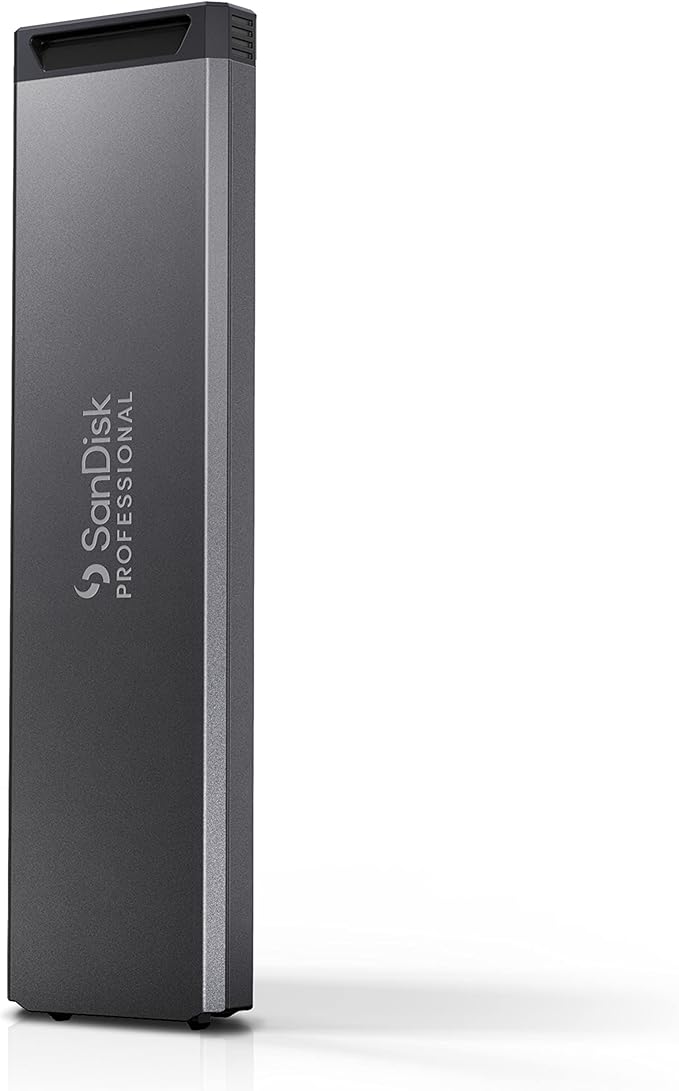
Stand-alone magnetic disk, optical disc or solid state drive that plugs into the computer typically via USB, although eSATA and FireWire are also used. Used for storing and retrieving digital information.
Stand-alone magnetic disk, optical disc or solid state drive that plugs into the computer typically via USB, although eSATA and FireWire are also used. Used for storing and retrieving digital information.
in 3 offers
The lowest price for SanDisk Professional G-DRIVE Pro Space Grey 4TB right now is $751.00 at CameraPro, compared across 2 retailers.
The all-time low was $190.00 on 24 May 2026 — today's price is 295% above the lowest ever. It has been notably cheaper before — worth setting a price alert.
Prices last updated 23 Oct 2026.
SanDisk Professional G-DRIVE Pro Space Grey 4TB
Stand-alone magnetic disk, optical disc or solid state drive that plugs into the computer typically via USB, although eSATA and FireWire are also used. Used for storing and retrieving digital information.
Stand-alone magnetic disk, optical disc or solid state drive that plugs into the computer typically via USB, although eSATA and FireWire are also used. Used for storing and retrieving digital information.
Last updated at 23/10/2026 18:05:58
SanDisk Professional G-DRIVE PRO SPACE GREY 4TB APJP
Free delivery between Tue – Fri
SanDisk Professional 4TB G-DRIVE PRO - Enterprise Class Desktop Hard Drive with Thunderbolt 3, USB-C and 7200RPM Ultrastar Drive Internal -
Delivery between 28 Oct – 1 Nov $41
originally posted on westerndigital.com
Very happy with the drives themselves. They are stylish and relatively quiet for being physical drives. They lose 1 star because in the marketing pictures they are shown stacked. I stacked them and they got so hot I could barely touch them. So, don't buy 2 if your only option is to physically stack them. Fortunately, I was able to put mine side-by-side and now they're fine.
originally posted on westerndigital.com
I liked this drive so much, I purchased a second drive for my new Mac Studio. For years, I worked with USB pocket drives, but this drive has greatly improved my home computing experience. I partitioned half for TimeMachine, and half for my still and video photography. Install and setup was seamless, and I've had flawless performance since using both of these drives...one new, the original over the course of year.
originally posted on westerndigital.com
I bought a 12TB and moved all my files over to it. It worked fine for a few weeks then stopped reading the drive. Didn't drop it or anything, it's sat in the same place since I bought it. Now all my files are locked away from me and I can't access them...Customer Service ignores me. Their phone system runs me around in circles. Can't get a Live Person.Not happy with them right now.(The thing is, the two G-Drives I bought a few years ago, a 3TB and a 4TB, still work fine.)
| Type | Enterprise-class 7200RPM Ultrastar drive |
| Use | Desktop |
| Read Speed | Up to 260MB/s |
| Write Speed | 260MB/s2 |
| Rotational Speed | 7200 RPM |
SanDisk Professional G-DRIVE PRO SPACE GREY 4TB APJP
Free delivery between Tue – Fri
SanDisk Professional 4TB G-DRIVE PRO - Enterprise Class Desktop Hard Drive with Thunderbolt 3, USB-C and 7200RPM Ultrastar Drive Internal -
Delivery between 28 Oct – 1 Nov $41
Very happy with the drives themselves. They are stylish and relatively quiet for being physical drives. They lose 1 star because in the marketing pictures they are shown stacked. I stacked them and they got so hot I could barely touch them. So, don't buy 2 if your only option is to physically stack them. Fortunately, I was able to put mine side-by-side and now they're fine.
I liked this drive so much, I purchased a second drive for my new Mac Studio. For years, I worked with USB pocket drives, but this drive has greatly improved my home computing experience. I partitioned half for TimeMachine, and half for my still and video photography. Install and setup was seamless, and I've had flawless performance since using both of these drives...one new, the original over the course of year.
I bought a 12TB and moved all my files over to it. It worked fine for a few weeks then stopped reading the drive. Didn't drop it or anything, it's sat in the same place since I bought it. Now all my files are locked away from me and I can't access them...Customer Service ignores me. Their phone system runs me around in circles. Can't get a Live Person.Not happy with them right now.(The thing is, the two G-Drives I bought a few years ago, a 3TB and a 4TB, still work fine.)
I have had G-Drives before and really liked them. However, with the newer model I've been experiencing occasional notifications on my Apple MacBook Pro that say "Disc not properly ejected" even though the drive is still connected to my computer. But the G-Drive icon is indeed missing as though the connection was disrupted. I have another G-Drive, 6 months old, (G-Drive with Thunderbolt 3, 10T) and the same thing has happened with that model too. It started happening so frequently after 6 months of use that I've quit using it.
I used this drive to store pictures and videos from my GoPro and DJI drone as well as backup for a MP3 music collection. The drive did not get a lot of use compared to my other drives. After approximately 18 months, my Mac started indicating I had disconnected the drive without ejecting it. Not long after that my Mac started rebooting due to a PCI bus error. I purchased a WD Elements 16TB just to copy the data from this 6TB G-Drive over to and it knocked my Mac out many times in an attempt to do so before I thought to put ice packs on top of the drive. This at least kept the drive from rebooting my Mac, but after I started looking at some of the video files I had copied over after I placed ice packs on the drive, over half of the files are corrupted. I lost a lot of ... MoreI used this drive to store pictures and videos from my GoPro and DJI drone as well as backup for a MP3 music collection. The drive did not get a lot of use compared to my other drives. After approximately 18 months, my Mac started indicating I had disconnected the drive without ejecting it. Not long after that my Mac started rebooting due to a PCI bus error. I purchased a WD Elements 16TB just to copy the data from this 6TB G-Drive over to and it knocked my Mac out many times in an attempt to do so before I thought to put ice packs on top of the drive. This at least kept the drive from rebooting my Mac, but after I started looking at some of the video files I had copied over after I placed ice packs on the drive, over half of the files are corrupted. I lost a lot of music, pictures, and videos over this hard drive. I have used WD hard drives since the days of DOS. I only lost one other way back when. I also have a G-Raid 8TB which has been running since 2017 with no issues whatsoever. Sorry I am forced to rate this drive with only a single star.
I originally purchased this drive purely to store unused media files and completed video projects since I already have a SSD drive that I edit directly off of. However after testing the G-Drive I found that I’m able to edit 4k 120P video directly off this G-Drive without using proxies or transcoding. For context I’m editing XAVC S, 4K 120p, 8-bit video on a MacBook Pro connected via thunderbolt to the G-Drive. The speeds aren’t AS fast as my SanDisk Extreme SSD but it’s fast enough for my use-case which is all that matters. I haven’t done any accurate speed testing but in general it took about 45 mins to transfer 1TB of video data from my SSD to this G-Drive.The G-Drive Pro is also capable of daisy chaining drives so I’m able to connect my SSD to the G-Drive which ... MoreI originally purchased this drive purely to store unused media files and completed video projects since I already have a SSD drive that I edit directly off of. However after testing the G-Drive I found that I’m able to edit 4k 120P video directly off this G-Drive without using proxies or transcoding. For context I’m editing XAVC S, 4K 120p, 8-bit video on a MacBook Pro connected via thunderbolt to the G-Drive. The speeds aren’t AS fast as my SanDisk Extreme SSD but it’s fast enough for my use-case which is all that matters. I haven’t done any accurate speed testing but in general it took about 45 mins to transfer 1TB of video data from my SSD to this G-Drive.The G-Drive Pro is also capable of daisy chaining drives so I’m able to connect my SSD to the G-Drive which is super convenient since all the ports on my Mac are now occupied. Ive only had the drive for a couple days but so far it does everything I need and looks great in the process. If the reliability is solid I’ll definitely be adding more to my setup in the future.
If you care about your data then please stay away from this HDD drive at all costs. I bought this drive in 2021 (a little over 2yrs ago) and made the mistake of ignoring other negative reviews. I ended up losing over 4TB of family photos, video, and other irreplaceable projects. G-tech does NOT include data recovery services with their products like other brands do - you have to pay extra for it. I got a quote from a 3rd party data recovery service and it was over $1k. Learn from my mistake, avoid this drive and go with another brand or pay more for SSD.
WARNING: This product is Thunderbolt 2 Speed 20 Gb/s with a Thunderbolt 3 Cable. Thunderbolt 3 is a standard 40 Gb/s, twice the speed. I have spoken with customer service numerous times and only gone round and round on the issue. Yes it approaches their posted speed, but that speed does not actually meet the T3 standard. Additionally, the drive puts itself to sleep constantly though the system preferences are set to never do so. An advanced RMA to see if a new drive will address that issue will cost an additional $25 according to their site. Having worked for well over a decade in post production, I cannot call this a professional drive for storage, editorial, or customer experience.
Despite what two WD salespeople told me. Drive will not work with Windows 11. Spent 2 hours 1 day with WD tech support, and they concluded G Pro Drive was defective. Returned it & bought new one. Spent 4 hours 1 day. Would not appear thus ca not format. I knew you had to reformat drive, but in File Explorer won’t recognize G drive, even though I can see it is connected in hidden icons. Sent that back as well. Waiting for both refunds.
The hd 18tb had issues since day one, contacted customer service, they asked for many things I didn't want to waste time talking to them anymore. The hd was still under warranty. Speed issues, glitches, noises, it's the worst hd I've ever had. Now I'm using it as a data storage hd, bought it originally for work and exports. It's a shame and a waste of money.
| Type | Enterprise-class 7200RPM Ultrastar drive |
| Use | Desktop |
| Read Speed | Up to 260MB/s |
| Write Speed | 260MB/s2 |
| Rotational Speed | 7200 RPM |